



Amazon A+ Content Design Services That Turn Browsers Into Buyers

Olifant Digital designs Basic and Premium A+ Content and your Brand Story around the questions shoppers ask before they buy. In-house designers start from your Amazon brand guide, create realistic 3D and AI renders, and we test what converts.

If performance does not improve in 60 days, we refund our management fees
Live A+ Content from brands we manage, as shoppers see it on a phoneLive on Amazon
From the brand
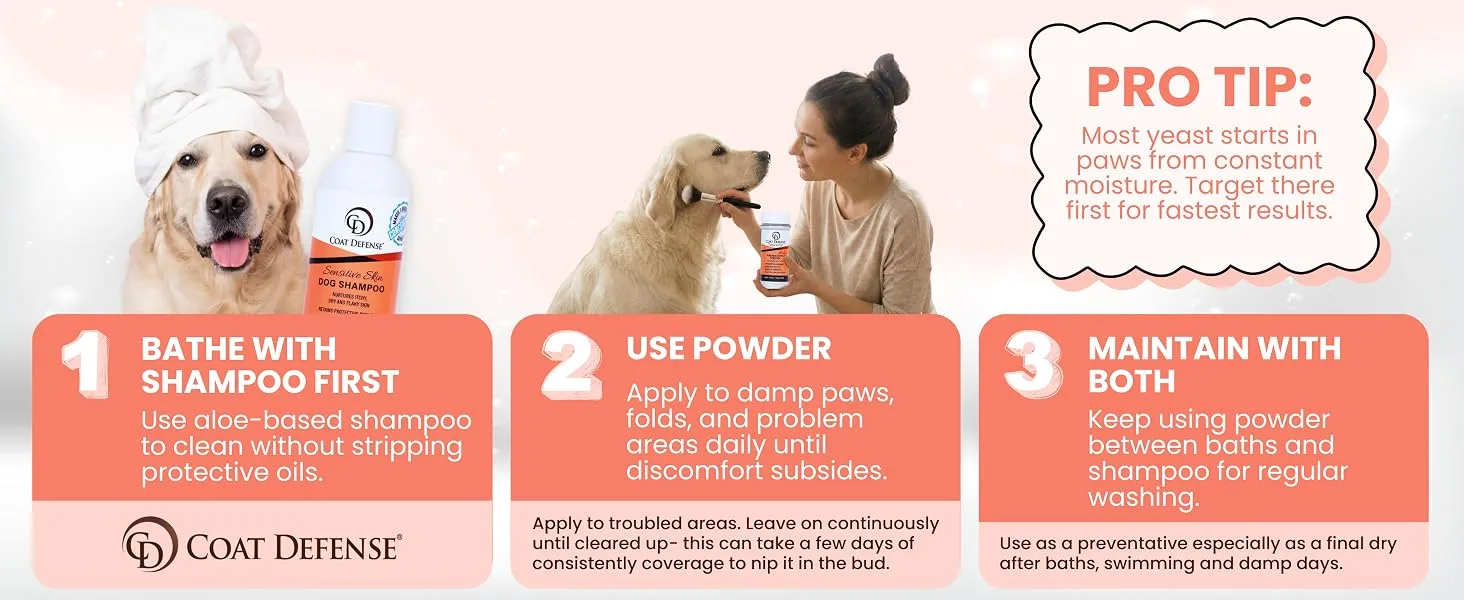
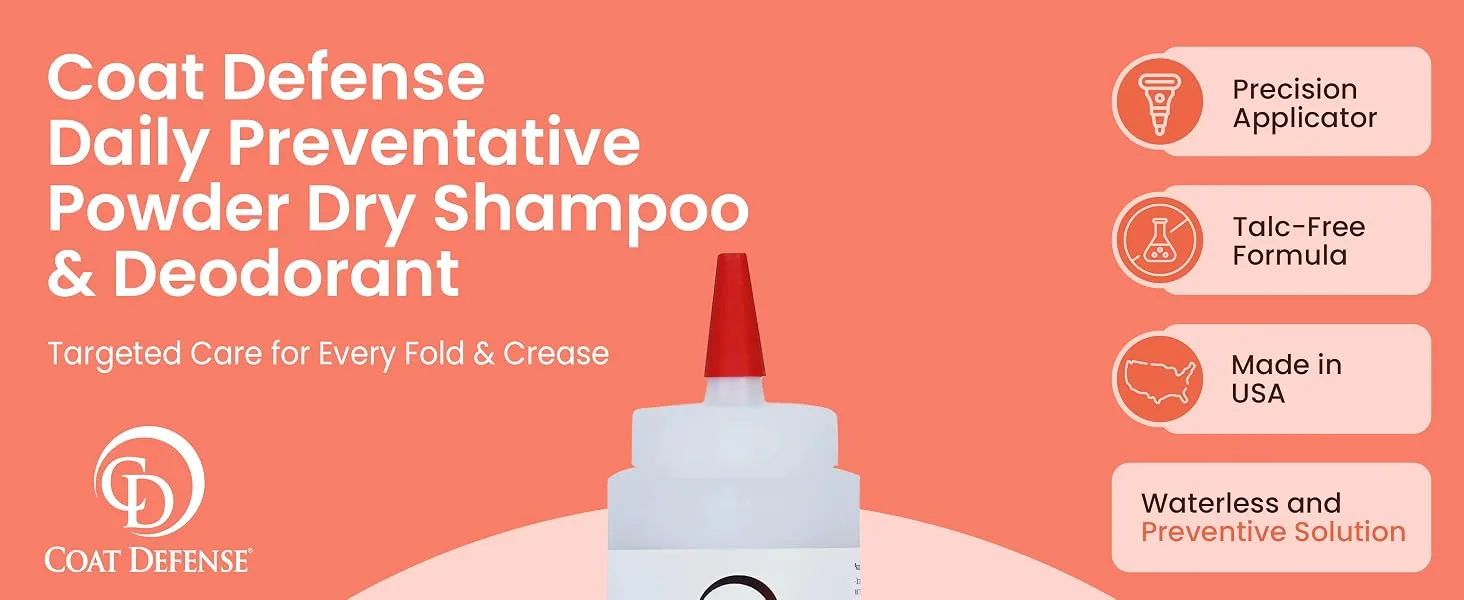
Coat Defense A+ Content module 1Coat Defense A+ Content module 2Coat Defense A+ Content module 3Coat Defense A+ Content module 4Coat Defense A+ Content module 5
Coat DefensePet care
From the brand
Wedge Guys A+ Content module 1Wedge Guys A+ Content module 2Wedge Guys A+ Content module 3Wedge Guys A+ Content module 4Wedge Guys A+ Content module 5
Wedge GuysGolf
From the brand
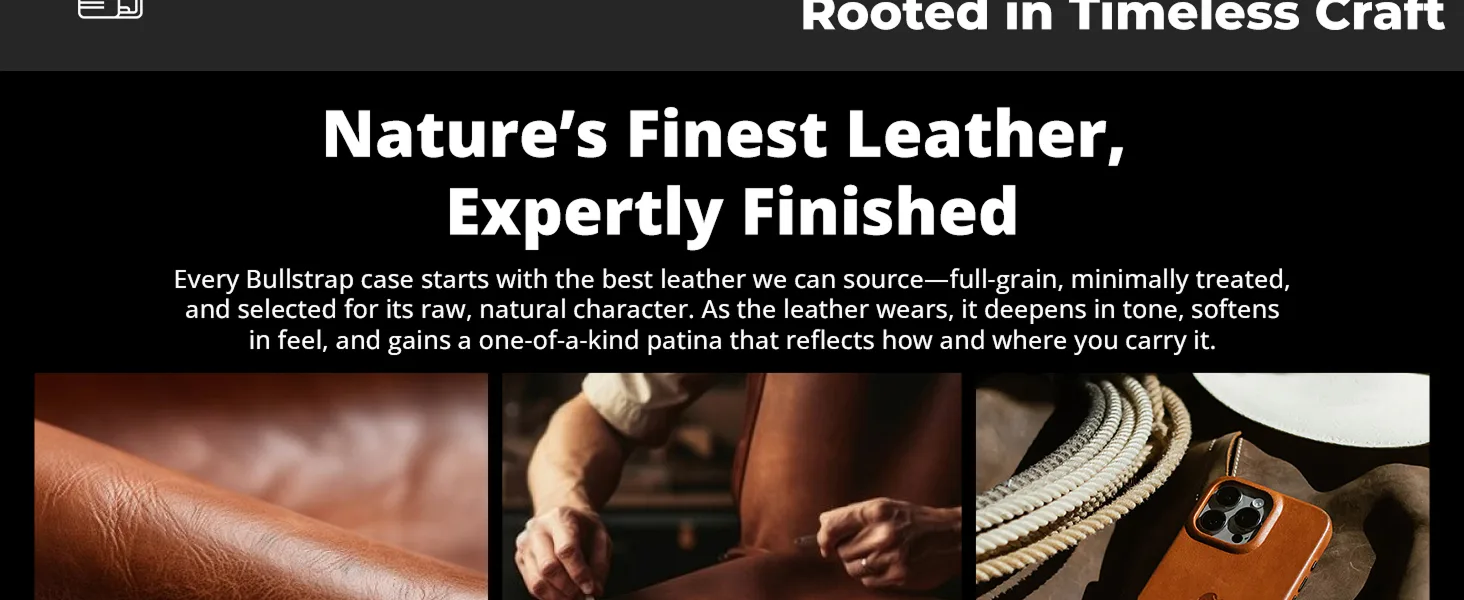
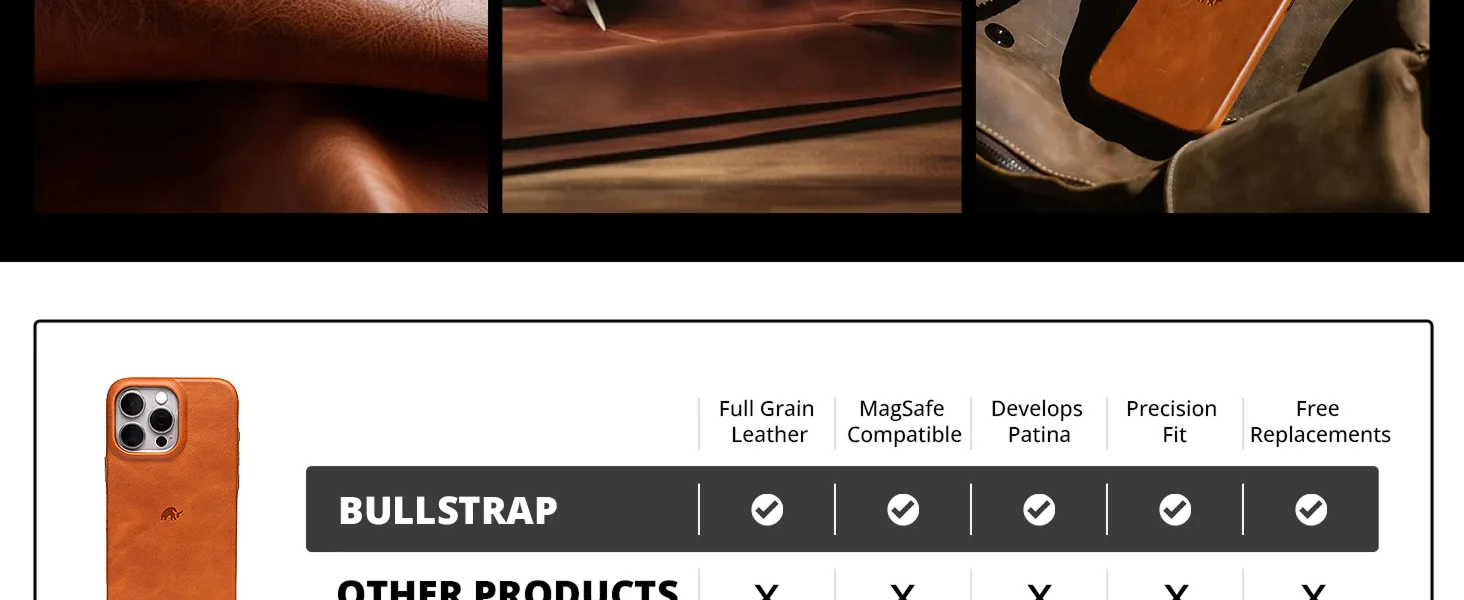
Bullstrap A+ Content module 1Bullstrap A+ Content module 2Bullstrap A+ Content module 3Bullstrap A+ Content module 4Bullstrap A+ Content module 5
BullstrapLeather accessories
From the brand
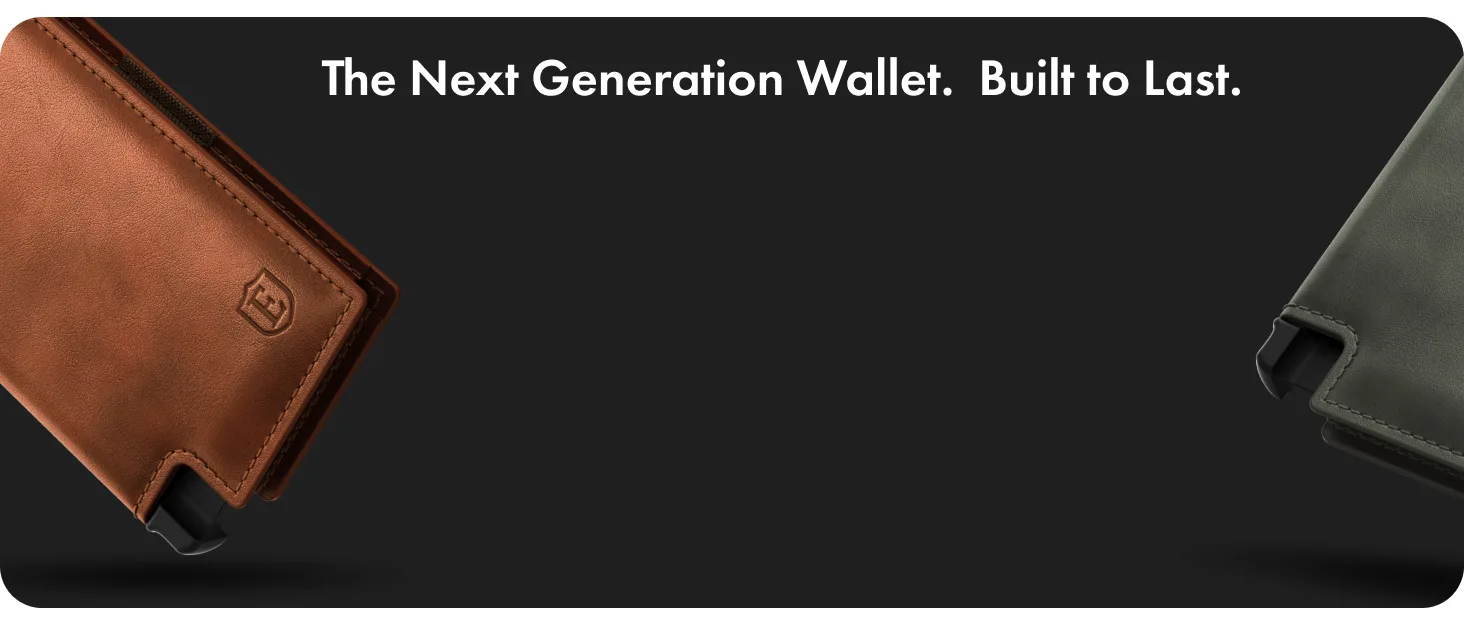
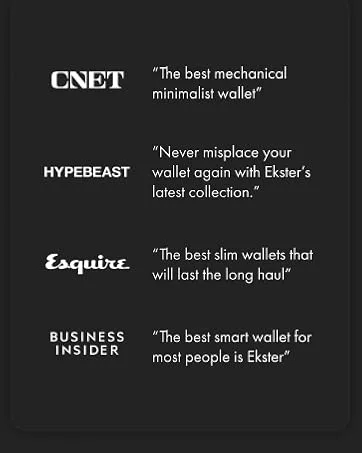
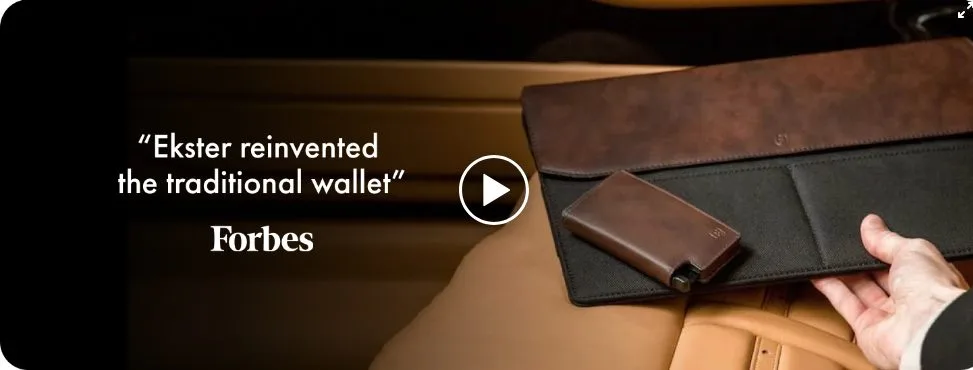
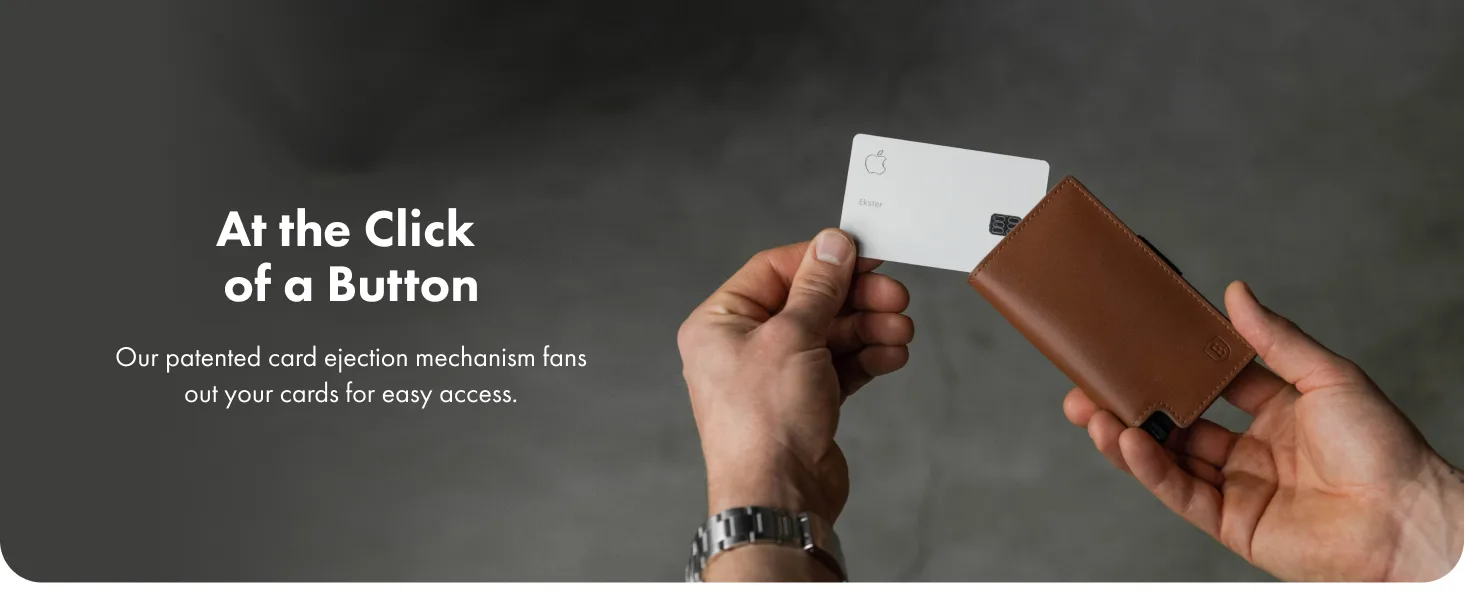
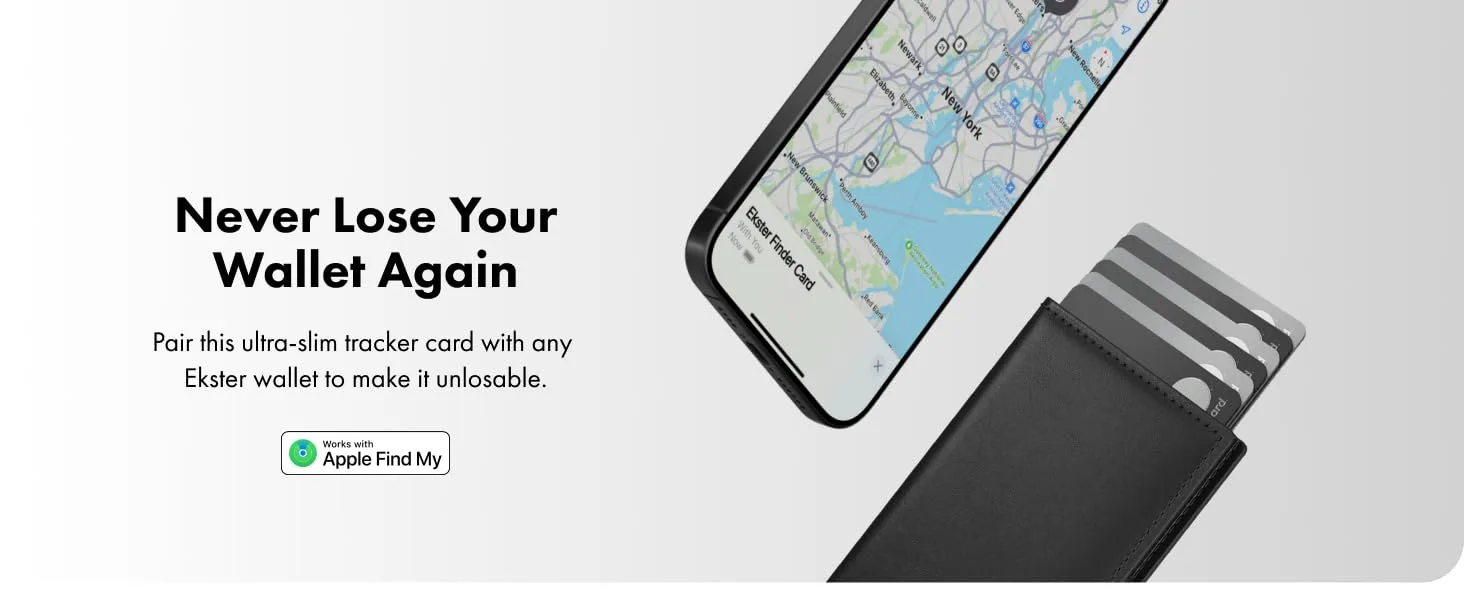
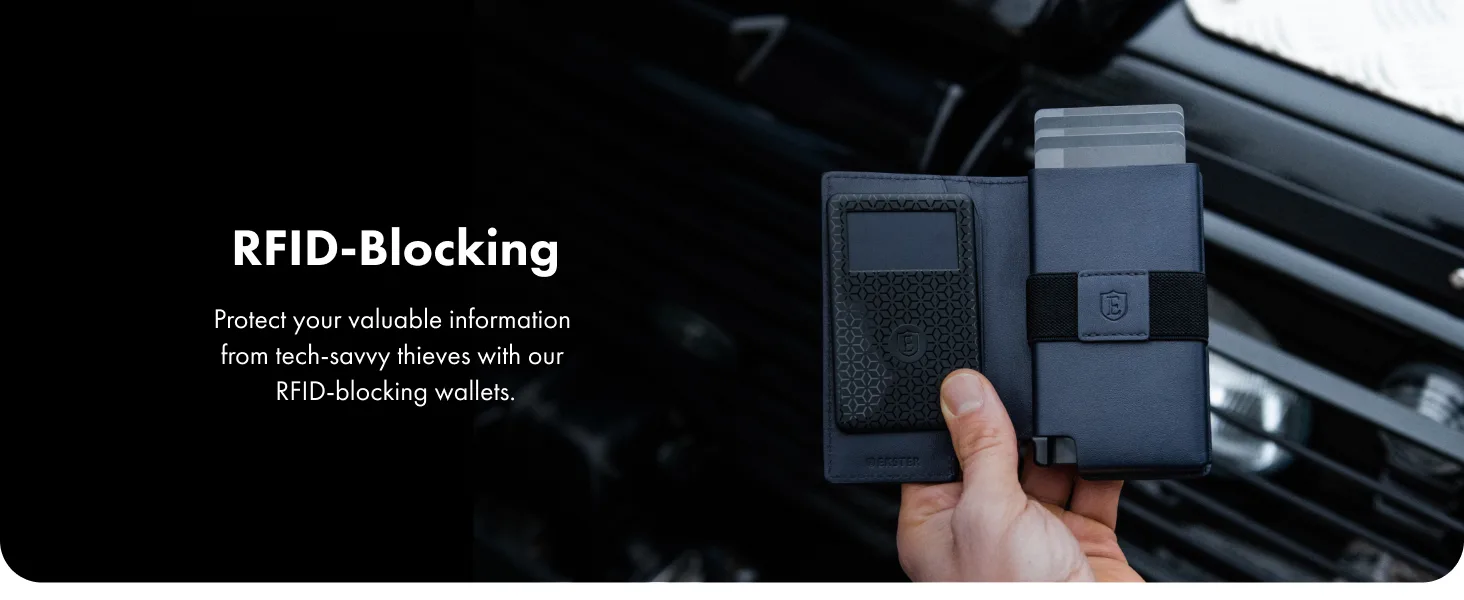
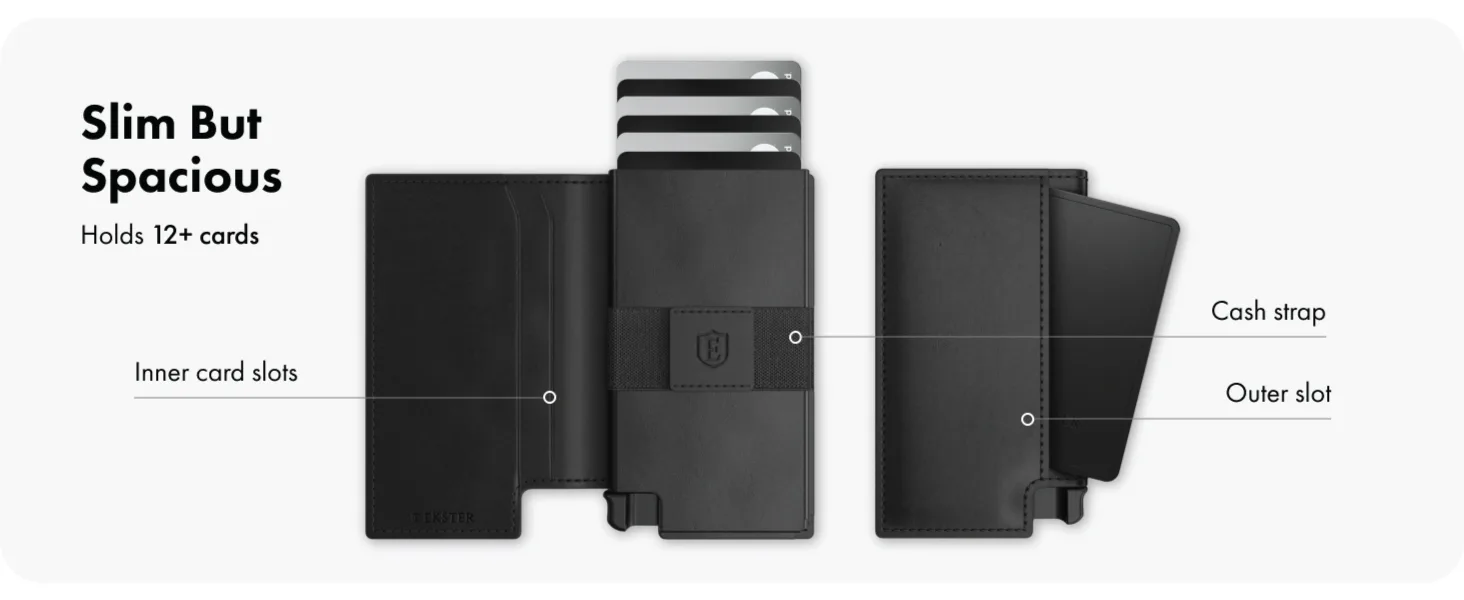
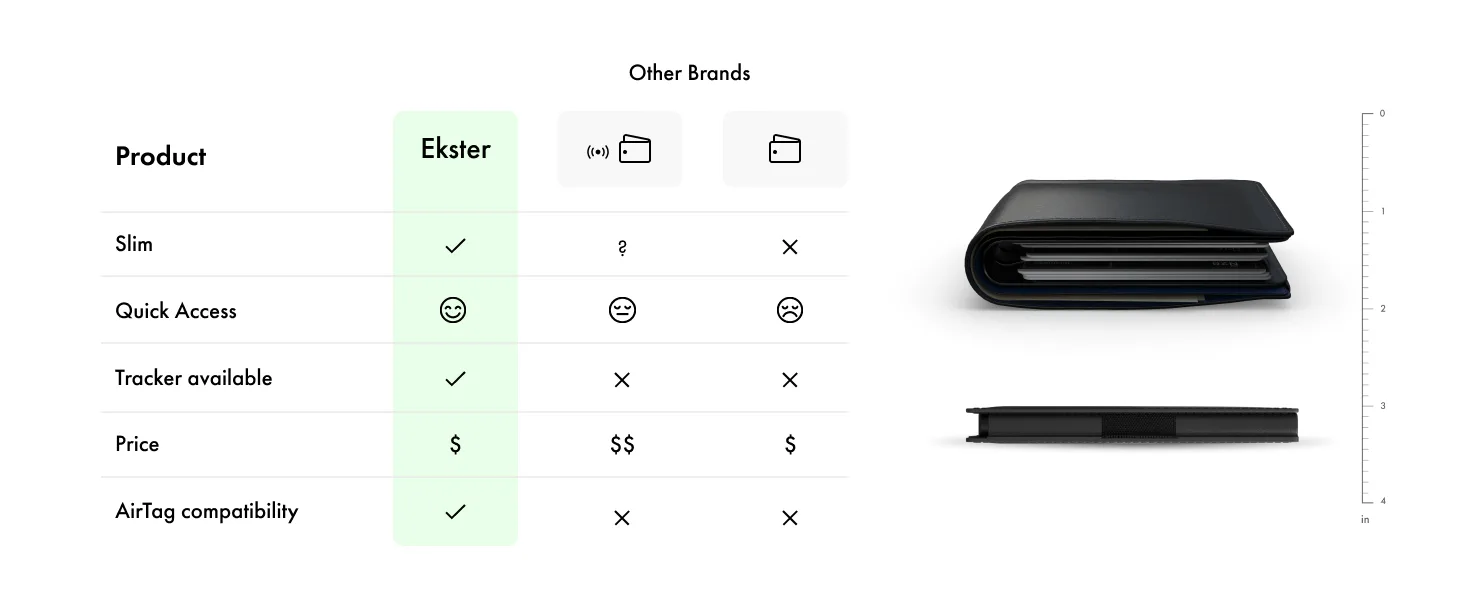
Ekster A+ Content module 1Ekster A+ Content module 2Ekster A+ Content module 3Ekster A+ Content module 4Ekster A+ Content module 5
EksterSmart wallets

Modules shown in the order they appear on each product page.

Examples

A+ Content you can see on Amazon today

Five brands we manage, five categories. Each page answers its own shoppers' questions, in its own brand style.

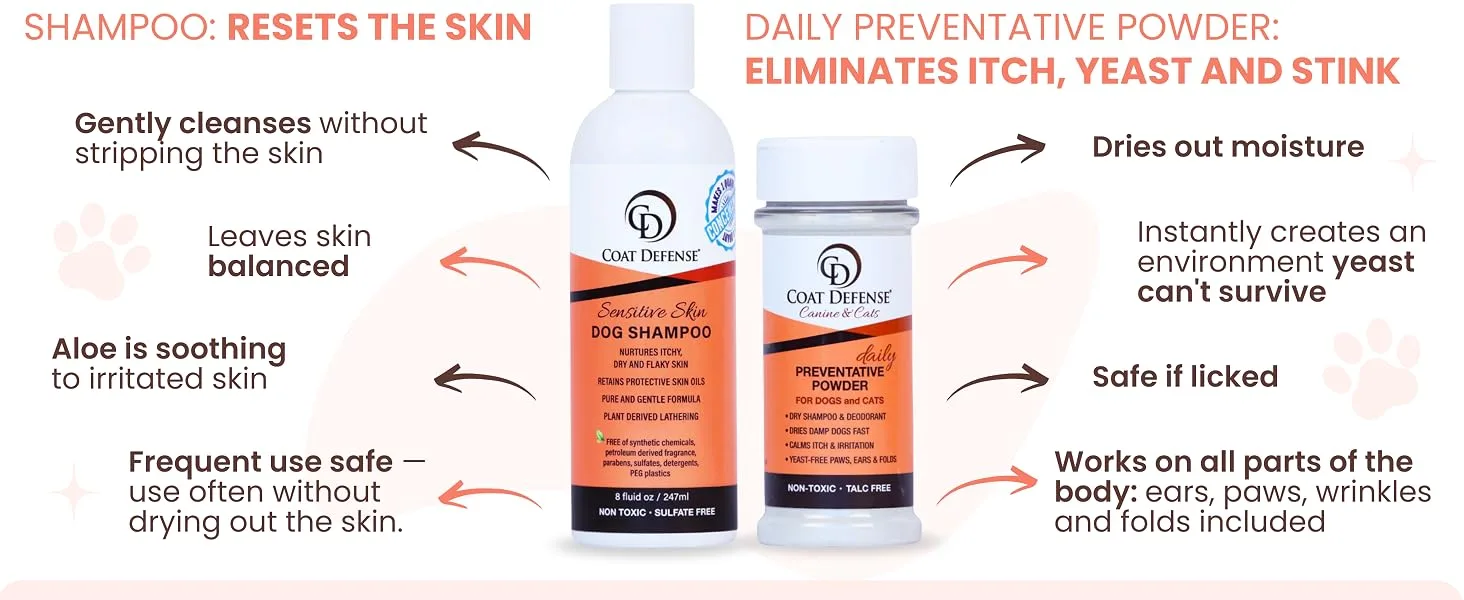
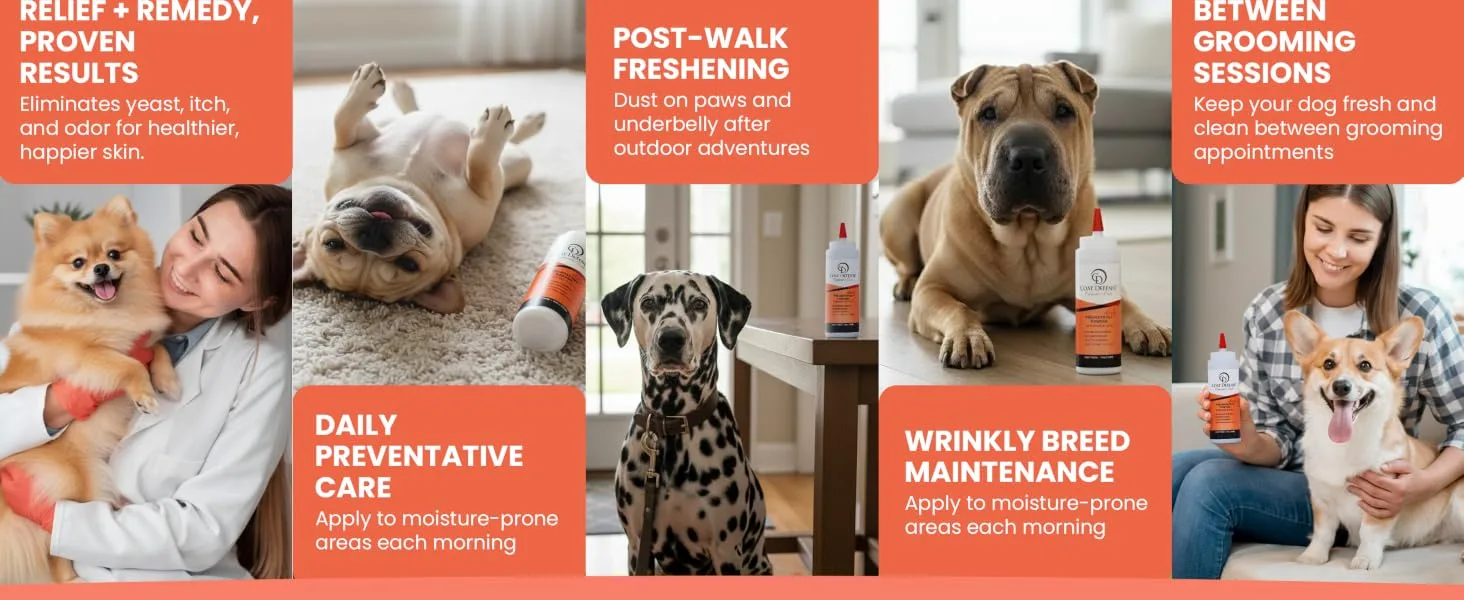
Coat Defense A+ module
Coat Defense A+ moduleCoat Defense A+ moduleCoat Defense A+ module

Coat Defense

Pet care, live on Amazon
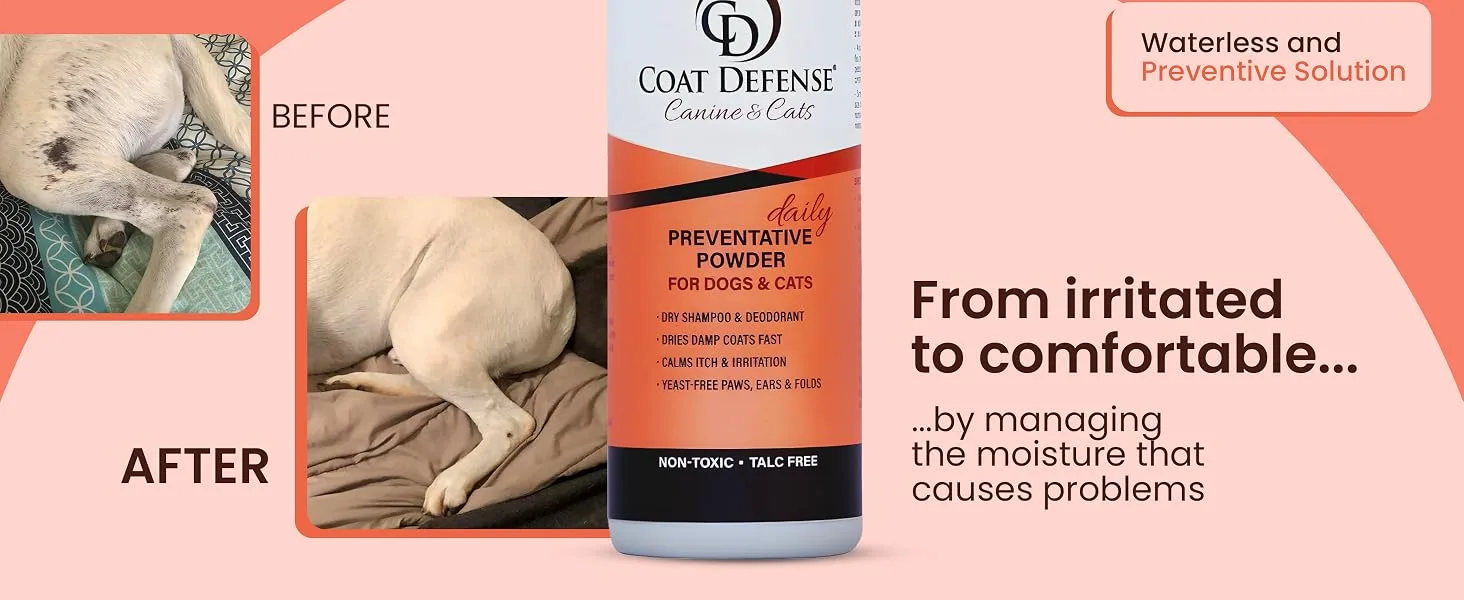
Premium A+Brand StoryBefore and after
  • Every problem it solves in one row: itch, yeast, stink
  • A three-step routine, from bath to daily use
  • Real dogs and owners in every module

What we did: Titles, bullets and A+ rewritten around the search terms that convert in the ads, with symptom infographics and dog breed references.

Case study
Ekster A+ module
Ekster A+ moduleEkster A+ moduleEkster A+ module

Ekster

Smart wallets, live on Amazon
Premium A+Brand StoryComparison chartVideo
  • A comparison chart against other wallet types
  • One feature per module: card eject, RFID, tracker
  • Dark, premium scenes that match the website

What we did: Modular A+ blocks and a Brand Store built to match ekster.com, with lifestyle images and comparison modules.

Case study
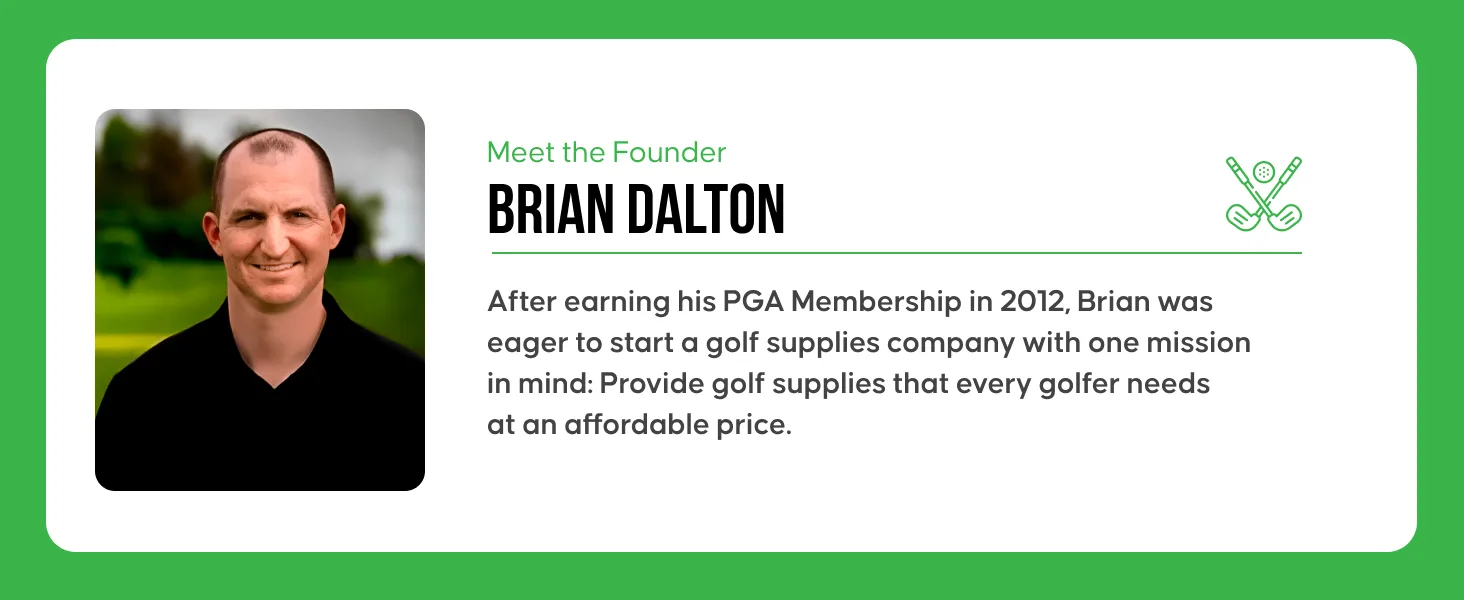
Wedge Guys A+ module
Wedge Guys A+ moduleWedge Guys A+ moduleWedge Guys A+ module

Wedge Guys

Golf, live on Amazon
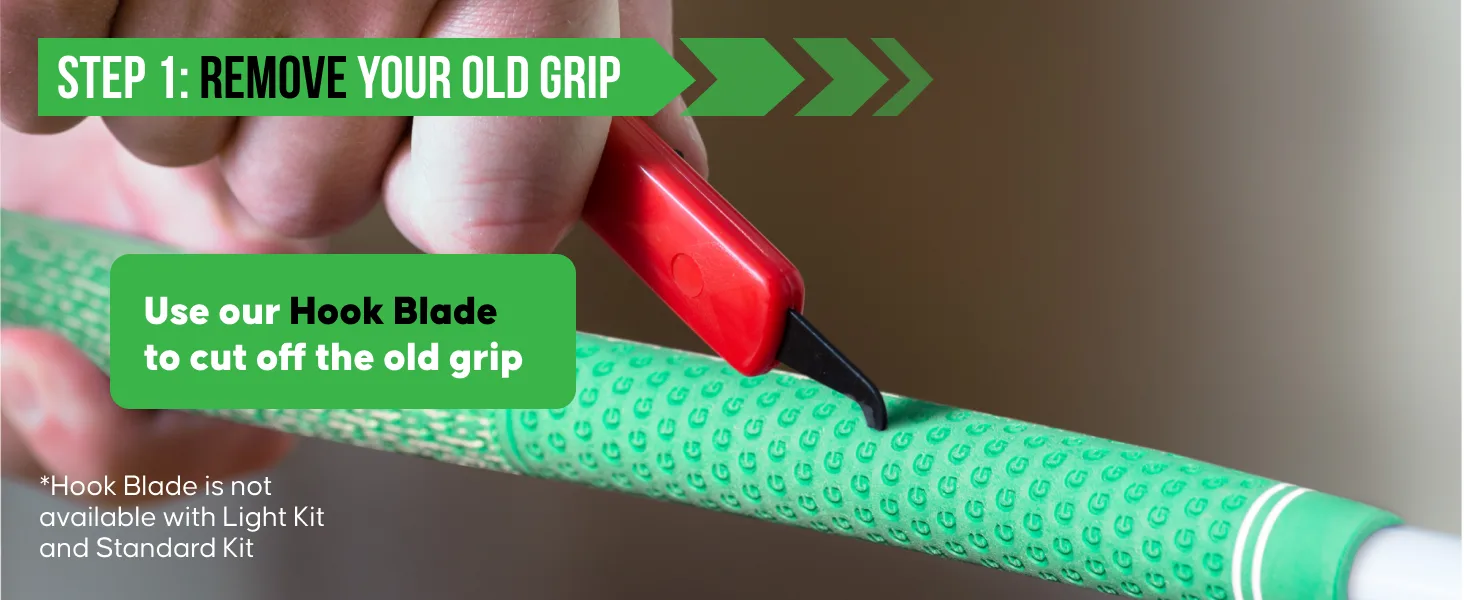
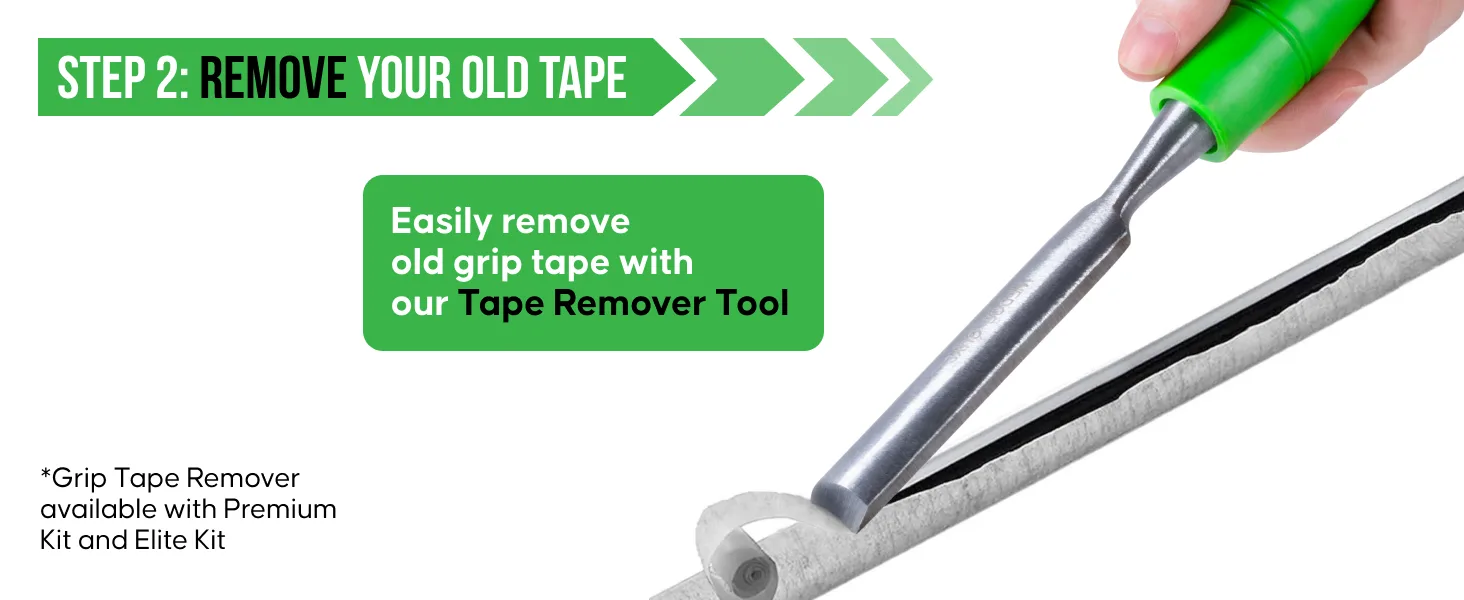
Premium A+How-to stepsFounder story
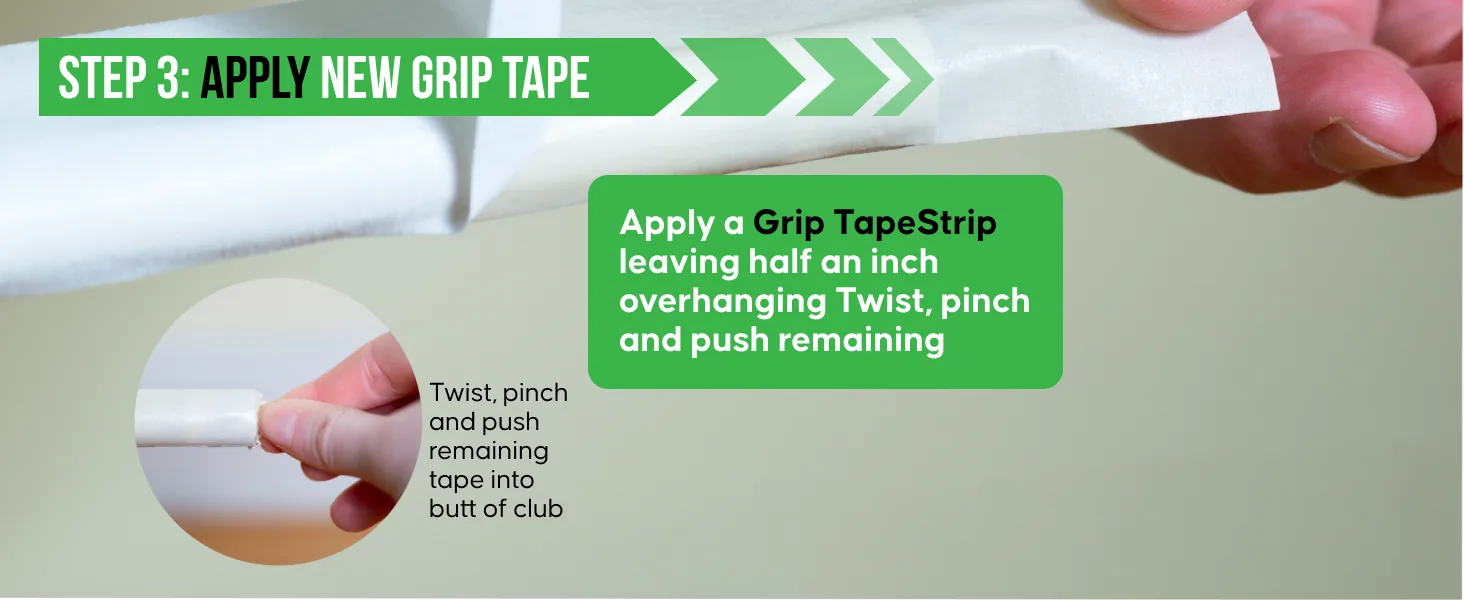
  • Five numbered steps that show shoppers how to regrip a club at home
  • Brand green on every headline and arrow
  • A founder module that tells the PGA story

What we did: Hero images redesigned with sharper photos and cleaner layouts, and every change tested in Manage Your Experiments first.

Case study
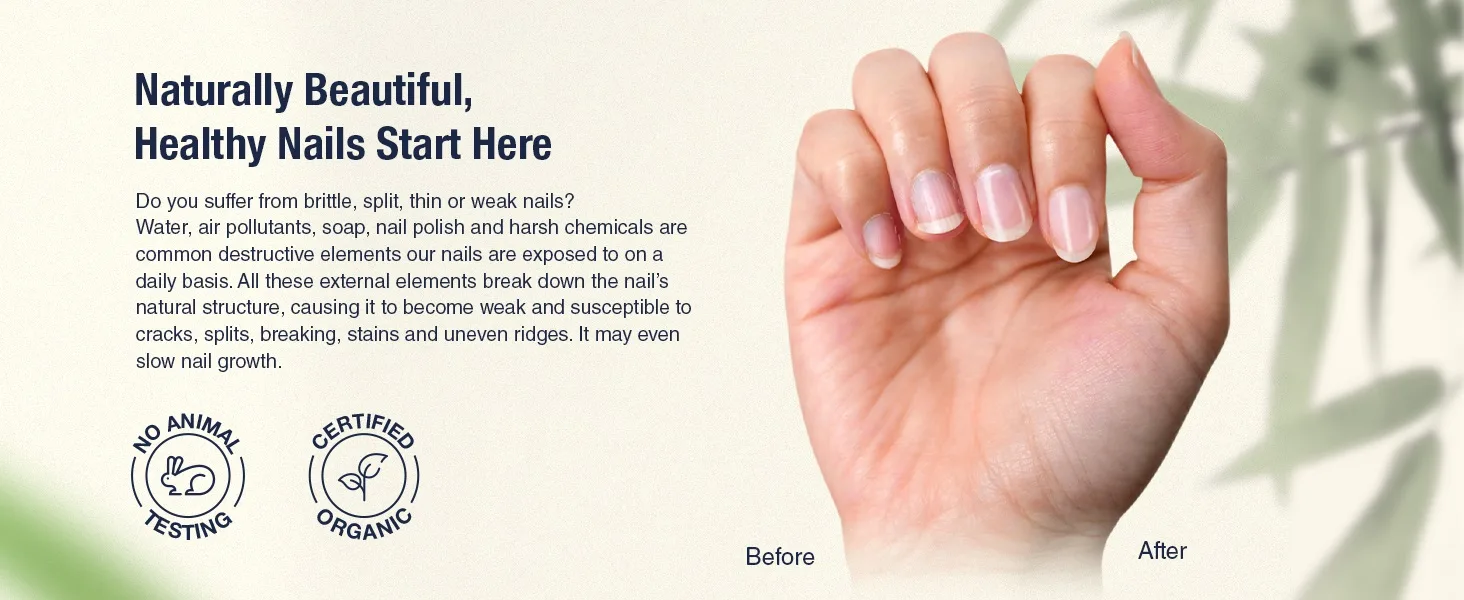
Onsen Secret A+ module
Onsen Secret A+ moduleOnsen Secret A+ moduleOnsen Secret A+ module

Onsen Secret

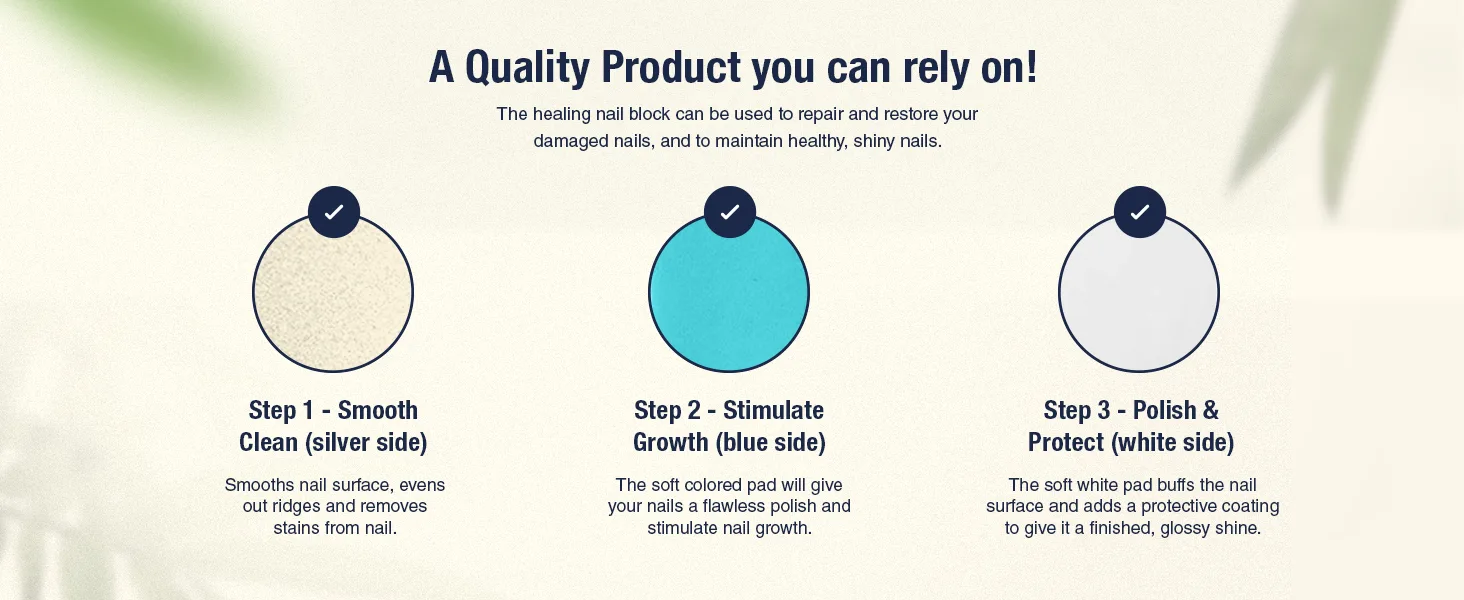
Nail care, live on Amazon
Premium A+Brand StoryVideo
  • Before and after nails in one image
  • A three-step routine with simple icons
  • Brand teal and soft light across the whole range

What we did: We A/B tested every listing across the hero image, title, bullets and A+.

Case study
Bullstrap A+ module
Bullstrap A+ moduleBullstrap A+ moduleBullstrap A+ module

Bullstrap

Leather accessories, live on Amazon
Premium A+Comparison chart
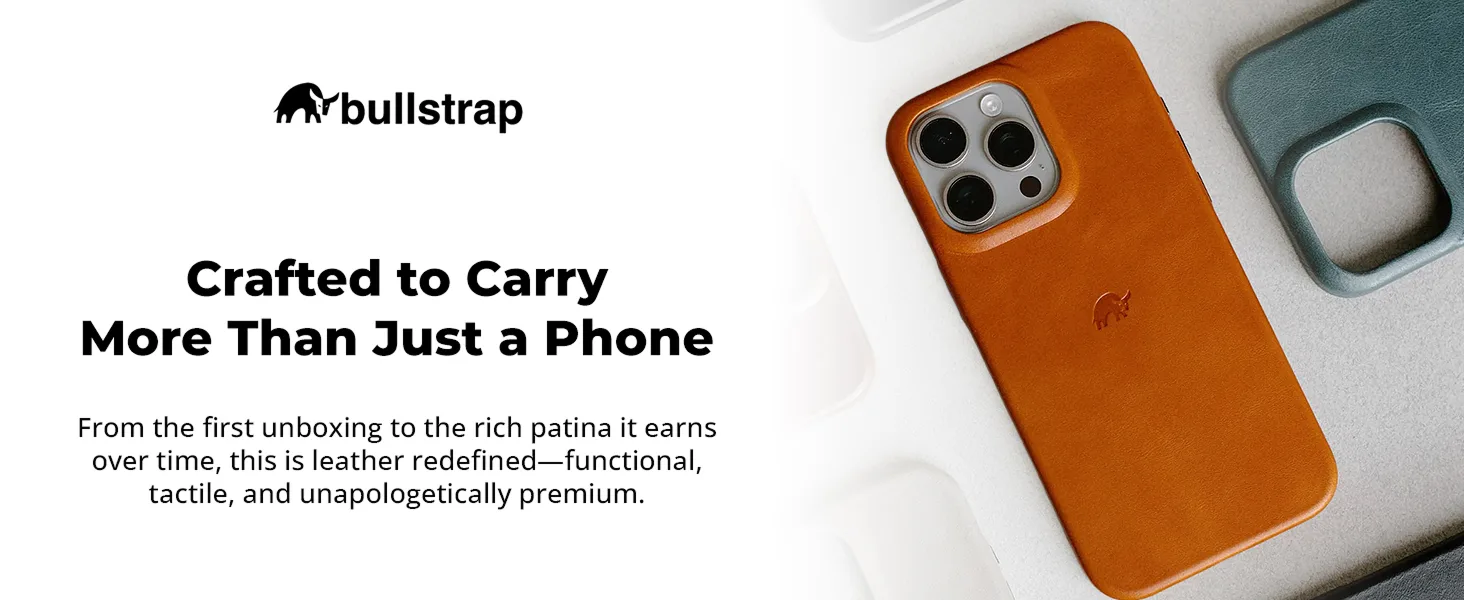
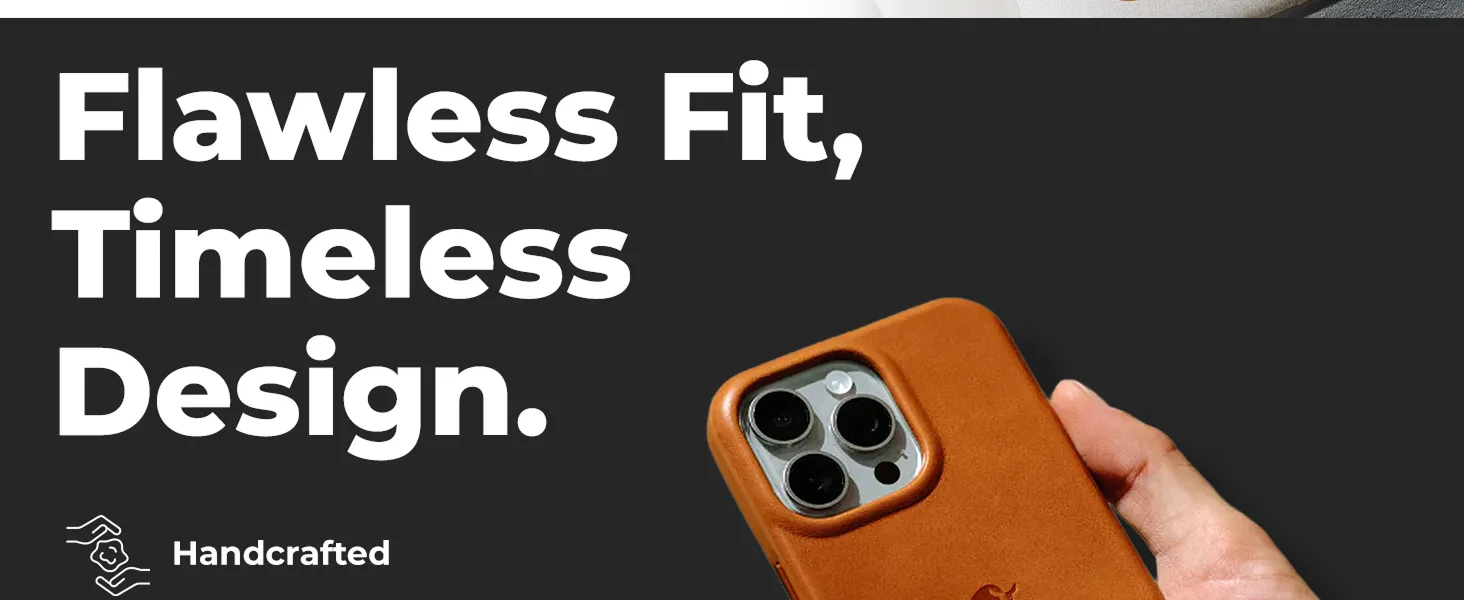
  • Large, bold headlines that read on a phone
  • Close-ups of the leather and stitching
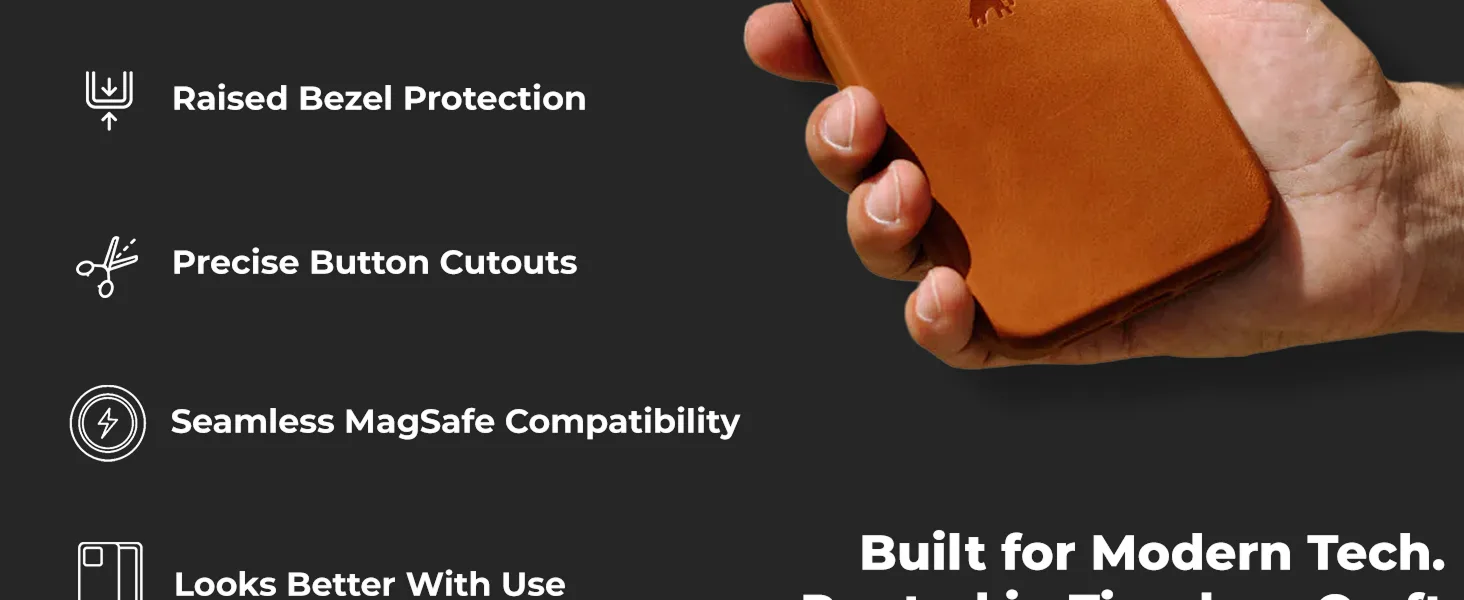
  • A checklist chart against other cases

What we did: Modular A+ blocks and a Brand Store designed for a premium look, with hero images, secondary images and video built for Amazon.

Case study

Each board shows the modules in the order they appear on the product page.

What we build

Basic A+, Premium A+ and Brand Story, module by module

Each module answers one question a shopper has before buying. These are the ones we use most, shown with live examples from brands we manage.

Up to 5 modules

Basic A+ Content

Image, text and comparison chart modules below your bullets. The right start for most ASINs.

Up to 7 modules

Premium A+ Content

Full-width modules with video, carousels, hotspots and interactive charts, for the products where a richer page pays off.

Every ASIN

Brand Story

The brand carousel above your A+ that links your range and your Brand Store.

Ekster Brand Story backgroundEkster Brand Story cardEkster Brand Story press cardAbove your A+

Brand Story

A swipeable carousel that introduces the brand and sends shoppers to your other products and your Brand Store.

Live example: Ekster
Wedge Guys full-width A+ bannerPremium A+

Full-width banner

One large image and one message that sets the tone for the whole page.

Live example: Wedge Guys
Ekster Comparison chart A+ moduleBasic and Premium

Comparison chart

Your product against the alternatives, or your own range side by side, so shoppers pick the right one.

Live example: Ekster
Coat Defense How-to steps A+ moduleBasic and Premium

How-to steps

Numbered steps that show how the product works, so the shopper knows what to expect before buying.

Live example: Coat Defense
Coat Defense Before and after A+ moduleBasic and Premium

Before and after

The result next to the problem, in one image, for products where the change is easy to see.

Live example: Coat Defense
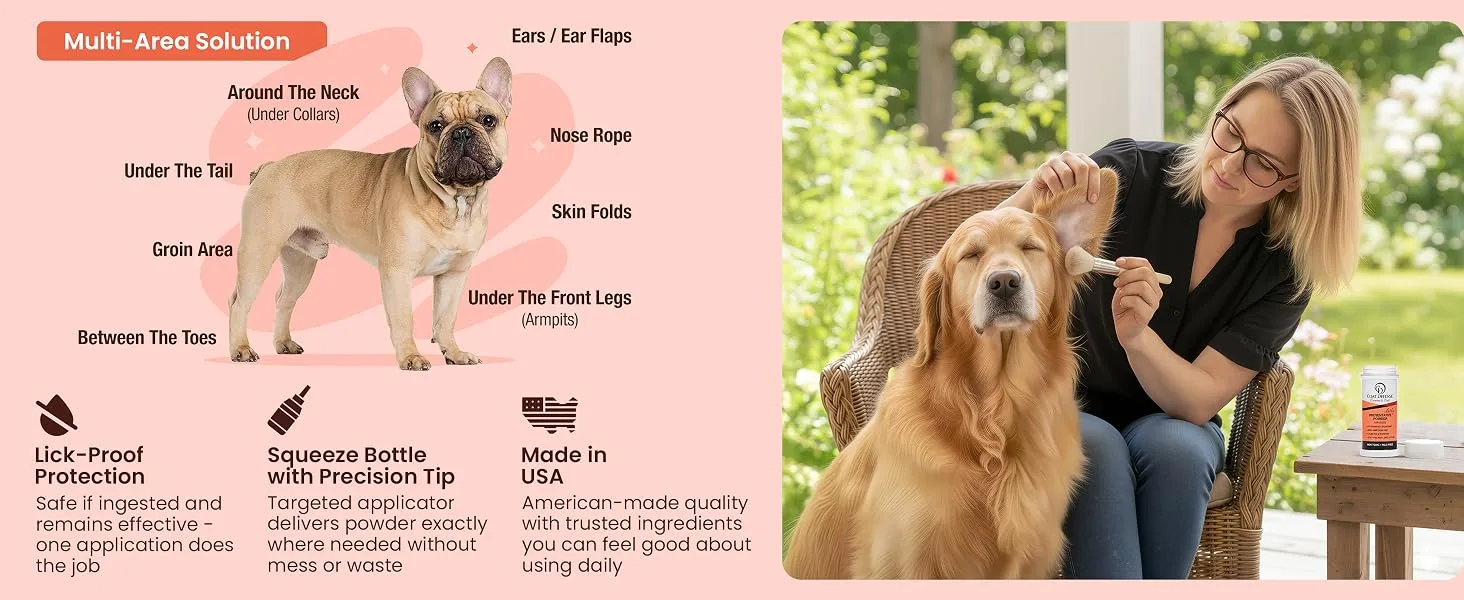
Coat Defense Where to use it A+ moduleBasic and Premium

Where to use it

Callouts that show where and how to use the product, answering the questions that sit in your reviews.

Live example: Coat Defense
Ekster Video module A+ modulePremium A+

Video module

Product video inside the A+ page, for products that are easier to show than to describe.

Live example: Ekster
Wedge Guys Founder and brand story A+ moduleBasic and Premium

Founder and brand story

The people and the mission behind the brand, the module that turns a product into a brand.

Live example: Wedge Guys
Our approach

Three reasons A+ Content does not lift sales

Next to each problem you see how we fix it, from your Amazon brand guide to modules built for the phone and tested on real shoppers.

A+ that does not work on a phone

What holds brands back
X sign

Modules designed on a desktop screen put small text inside wide banner images, and on a phone that text is too small to read.

Amazon stacks A+ modules on mobile and scales each image down to the screen, so a paragraph set inside a 970 pixel banner shrinks with it. Shoppers scroll past what they cannot read, and the module does nothing for the sale.

How we fix it
Checkmark

We design every module for the phone first, then check it on desktop.

One message per module, image text large enough to read on a phone, and every module checked in Amazon's mobile preview before we submit it.

The same module on a phoneWhat we check

Built for desktop

Paragraph set inside a wide bannerText shrinks with the imageSeveral messages in one moduleScrolled past

Built for mobile

One message per moduleImage text readable on a phoneChecked in mobile previewRead and understood

Most A+ is designed on a desktop screen. We start on the screen your shoppers use.

If a shopper cannot read a module on a phone, it does not help the sale.Module sizes and rules are in our A+ Content guide. Read our A+ guide

Modules that repeat the bullet points

What holds brands back
X sign

A+ that restates the bullets gives shoppers nothing new, so the questions that stop them from buying stay open.

Those questions usually sit in your reviews, customer questions and returns: will it fit, which size to choose, how it compares with your other products, what is in the box.

How we fix it
Checkmark

Modules planned around the questions shoppers ask before they buy.

We read your reviews, customer questions and the search terms that convert in your ads, then give each question its own module, such as a comparison chart, size guide or ingredient close-up. Elite Jumps lifted conversion 51% across optimized listings after its A+ was rebuilt this way, as part of a full-service program that grew Amazon revenue 124% in three months.

From buying question to moduleHow we plan it
What shoppers askThe module that answers it
Will it fit?Size and dimension guide
Which one should I buy?Comparison chart across your range
Is it worth the price?Material and feature close-ups
What is in the box?Box contents module
Is it safe and proven?Ingredients, tests and certifications

The questions come from your reviews, customer questions and the searches that convert in your ads.

Your reviews and searches decide what each module says.Example: Elite Jumps, +51% conversion across optimized listings. Read the case study

Listings that look like different brands

What holds brands back
X sign

When each product gets its A+ at a different time from a different designer, fonts, colors and photo styles drift apart.

Shoppers see your products side by side in the comparison chart, the Brand Story carousel and your Brand Store. If every page looks different, the brand looks smaller and less trustworthy than it is.

How we fix it
Checkmark

An Amazon brand guide first, then every module built from it.

Before any design we set your Amazon brand guide: colors, fonts, tone of voice and the rules for photos, renders and infographics. Every A+ module, Brand Story and image follows it. Ekster's A+ and Brand Store were built to match ekster.com, part of a program that added $688,406 in yearly Amazon profit.

Your Amazon brand guideStep one
  • Colors One palette for every listing
  • Fonts Headline and body type, sizes for mobile
  • Tone How the brand speaks in copy and claims
  • Images Rules for photos, renders and infographics

Swatches are an illustration. Your guide uses your brand colors.

One guide keeps every ASIN, Brand Story and Brand Store looking like the same brand.Example: Ekster, A+ and Brand Store built to match ekster.com. Read the case study
Olifant AI

Your ad data decides what your A+ says. Designers make it sell.

Olifant AI supports the analysis of Seller Central Sponsored Ads data, so we see which searches bring shoppers to each product and where clicks do not turn into orders. That shows which ASINs need A+ first and which questions the modules must answer. Our designers and copywriters create the content, and a specialist checks it against the data.

Olifant AI block showcase
Tech
Search and conversion data
Client position in Olifant Ai process
You are here!
Olifant team bridging between client and tech
Talent
In-house design team
TechSearch and conversion data
You are hereYour brand, your goals and your data
TalentIn-house design team
Client success stories

Hear it from the founders

Brand owners on working with the team that builds their listings and A+.

Your team

Meet your Amazon A+ Content team

Your A+ is built by the same full team that runs your account: an account manager plus design, video, listing, ads and catalog specialists, led by people with 7+ years on Amazon.

Account manager

Owns the plan, signs off the brand guide with you and runs the weekly call. Connects your A+ with your ads and listings.

Designers

Build your A+ modules, comparison charts, renders and Brand Story in your brand guide.

Video editors

Cut the module videos and short clips that A+ and Premium A+ can carry.

Listing specialists

Write the module copy so it answers the questions your bullets leave open.

PPC specialists

Point Sponsored Brands traffic at the products with the strongest A+ and read the results.

Catalog and account health

Upload modules, fix rejections and keep A+ live on every child ASIN.
Why us

Why brands choose Olifant Digital for Amazon A+ Content

What you get when we work together.

Built from your ad data

Modules answer the questions behind the searches that convert in your ads, so the page speaks to real buyers.

One brand guide

Every ASIN, Brand Story and Brand Store follows the same colors, fonts, tone and photo rules.

Renders, photos and video in-house

In-house designers, realistic 3D and AI renders and our own UGC creators, so your A+ does not wait on outside suppliers.

Tested, not just designed

Where your listing qualifies, the new A+ runs against the old one in Manage Your Experiments and only the winner stays.

How Olifant Digital compares

Olifant Digital vs a design-only studio vs doing it yourself
Olifant DigitalDesign-only studioDoing it yourself
What you getBasic or Premium A+, Brand Story, images and video for every priority ASINOften modules for a few ASINsWhatever fits in your week
Who makes itIn-house designers, led by Amazon specialists with 7+ years on AmazonDesigners, often without your ad dataWhoever has time that week
Copy based onReviews, customer questions and converting search termsOften the brand briefYour own view of the product
Brand consistencyOne Amazon brand guide for every ASINDepends on the briefDepends on the person
VisualsRealistic 3D and AI renders, plus UGC video from our creatorsOften your existing photosYour existing photos
Premium A+ and Brand StoryBuilt where your brand qualifiesVariesLearning curve
TestingManage Your Experiments where eligible, results by ASINRareRare
Connected to your adsYes, the same team runs your PPC and listingsUsually separateOnly if one person runs both

Swipe to compare →

How your A+ Content project starts

Before you commit, you see what we would change on your product pages and who would do it.

step one

Tell us about your products

Share your brand, your top ASINs and what is not working on your product pages. We tell you honestly whether we can help.

step two

Get your A+ plan

You get the ASINs we would start with, the modules we would build and the team who would build them.

step three

Meet your team

Talk to the account manager and designers who would build your A+ before you sign. Work starts with your Amazon brand guide.

If performance does not improve in 60 days, we refund our management fees.

See what better A+ Content could add to your sales.

See what better A+ Content could add to your sales

Answer 5 quick questions and get your free marketing plan in 24 hours.

Get your free marketing plan