Introduction
When most brands start preparing for Black Friday, they are primarily focused on their advertising and are looking for an agency that can scale their Meta and Google campaigns once the sale goes live.
The agencies that really care about your bottom line start somewhere else. They walk through your Shopify store just like a customer would to make sure that the offer, shipping and checkout all work together before they touch a single campaign.
This time of year, what you look for in a good agency is pretty simple. A good agency will audit your store settings weeks before the sale, test each discount with a real order and lock everything down before the traffic arrives. On the day itself, it monitors your checkout as closely as it does your ad spend.
This is how we operate at Olifant Digital. We do paid advertising, conversion rate optimization and store audits together so that we don’t leave anything between two providers and the people raising your budget already know your checkout has been tested.
Here are the 5 Shopify settings we check first, along with the cost of leaving each of them as is.
What quietly limits your Black Friday sales in Shopify?
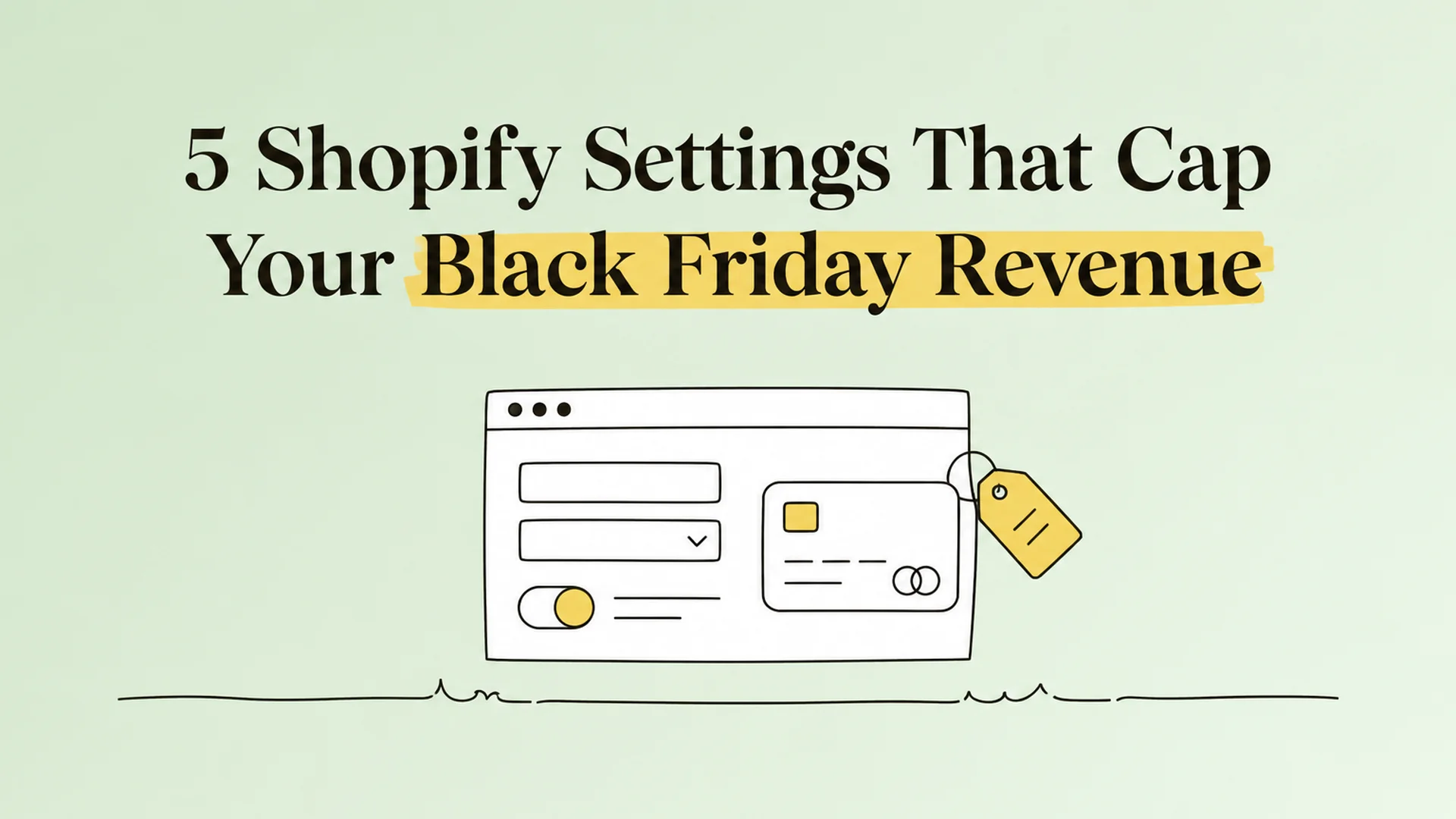
Five settings decide whether your ads pay off.
When a customer clicks on your ad, their order still needs to go through five settings within your store: inventory, discounts, shipping rates, checkout fields and payment collection.
If you set one of these wrong, you still pay for the traffic, but the order either never happens or generates less than it should. We audit all five areas 4 weeks ahead of the sale and freeze them 48 hours before we go live.
Store rebuilds knock markets and templates out of sync.
Each redesign changes something behind the scenes that no one remembers to check.
We have seen rebuilds that have left whole countries without a shipping rate and products sitting on templates that no longer exist. The best way to catch such problems is to shop your own store like a customer in each market.
Discount codes only stack when you allow it.
Each discount in Shopify has a setting that determines whether or not it can be combined with other discounts.An old welcome code that is still active can silently combine with your sitewide sale, and on a typical order, that is more than enough to turn a profit into a loss.
Required sign-in hides Apple Pay.
There are many store owners who ask their customers to make a sign-in before they make a purchase, without realizing that this option removes the quick payment buttons like Apple Pay from the cart.
When this occurs during Black Friday, when most people purchase from their phones, it means they will have to type their full address and card details on a small screen instead.
Free shipping is calculated on the discounted cart.
Shopify doesn’t verify that the order qualifies for free shipping until after the discount is applied, not before.
So a 25% off sitewide sale can move a typical order that previously qualified below your free shipping threshold, and the shopper only finds out when a shipping fee shows up on the very last step of checkout.
Manual capture runs on a 7-day clock.
If you are manually processing payments, the authorization of the card in Shopify Payments is only valid for 7 days. A Black Friday rush can lead to shipping delays, which means the authorization will expire and the order will not pay you anything.
What does a Shopify Black Friday checklist for brands need to cover first?
Your store settings come first, followed always by offers and emails. Marketing determines how many people click, but settings determine whether those people can go on to complete an order.
This year, Black Friday is on Friday, 27th November, so you’ve got a fixed date to work back from.
Why a blocked checkout costs more on Black Friday
Every failed checkout is a click you already paid for. Let’s say it costs you $1.20 for each click on your ad and 3 out of every 100 visitors actually buy. What this means is that you’re spending $40 in advertising to get every order, and that’s your cost per acquisition.
Now imagine a checkout page that hides the Apple Pay button, and only 2.7 of 100 visitors actually buy. Your ads and your budget are the same but you now pay $44.44 to win each order.
| Day-one metric (illustrative) | Checkout working (3%) | Wallet hidden (2.7%) |
|---|---|---|
| Ad spend | $50,000 | $50,000 |
| Clicks at $1.20 | 41,667 | 41,667 |
| Orders | 1,250 | 1,125 |
| CPA | $40.00 | $44.44 |
| Revenue at $67.50 per order | $84,375 | $75,938 |
| MER (revenue divided by ad spend) | 1.69 | 1.52 |
Either way, you spend the same amount, but the store with the hidden wallet has 125 fewer orders. Your problem is your website, not your advertising, so dumping more money into the campaign won't fix it. It just adds more paid traffic to a losing checkout.
The five settings at a glance
The table below summarizes the five settings we discuss in this article, plus a row for site drift.
That last row is for the little changes that sneak into a store during a redesign or rebuild and no one notices until a customer complains. You’ll find out where to locate each setting in your Shopify admin, what usually goes wrong and how to fix it before the sale kicks in.
| Setting | Where in admin | What goes wrong | Fix |
|---|---|---|---|
| Inventory selling rules | Products > Inventory | Overselling, or stock at a location that does not sell online | Track quantity and move stock to an online location |
| Discount combinations | Discounts > Combinations | Offers stack by accident or fail to stack | Set combinations on each discount on purpose |
| Shipping rate tiers | Settings > Shipping and delivery | Discount drops the cart below the free tier | Reset the free tier for the sale |
| Checkout form requirements | Settings > Checkout | Required fields hide express wallets | Make sign-in and company name optional |
| Payment capture | Settings > Payments | Manual capture outlives the authorization | Stay on automatic capture |
| Market and template drift | Markets, shipping zones, templates | Markets without shipping, products on deleted templates | Give each market a rate and reassign products |
Inventory and checkout problems absolutely stop the sale, because the shopper never gets to place an order at all. Other settings also eat into your profit per order, so start your audit with inventory and checkout before moving on to the rest.
Which 5 Shopify settings cap Black Friday revenue?
Here are five settings that follow the same path a shopper takes in your store, all the way from landing on a product page to money hitting your account. If any one of them is wrong, then the order never occurs or is less than it should be.
1. Are your inventory settings set to oversell or to sell out early?
Shopify has a setting that is called “Continue selling when out of stock.” When this option is enabled, your store will still accept orders for products you don’t have in stock anymore. Each of those orders is a refund and by that time you have already paid for the click that brought the shopper in.
The opposite situation is also common. Your website might list a product as sold out, but you actually have plenty of stock. That’s because the stock is in a warehouse location that’s not configured to ship online orders.
We normally see this problem with brands that have stock transfers scheduled for the end of November.
To avoid either of these problems, check out your top 20 best sellers before the sale. Make sure you enable stock tracking and connect the units to a location that ships online orders.
2. Will your discounts combine the way you planned?
Shopify discount codes don’t combine automatically. Each discount has a setting that allows it to be combined with other discounts. If two discounts cannot be combined, Shopify will take the one that is more favorable to the shopper.
The most common problem we see is that the sitewide sale is 25% off and there’s a 10% welcome code from the email sign-up flow.
The welcome code was created months ago for new email subscribers and was never told to avoid other offers. So when Black Friday comes around, a new subscriber can use that code on the sitewide sale and get both discounts on one order.
| Line item (example) | 25% sitewide sale only | 25% sale + 10% welcome code |
|---|---|---|
| Order total after discounts | $67.50 | $60.75 |
| Product cost | $27.00 | $27.00 |
| Packing and shipping | $8.00 | $8.00 |
| Card processing fees (3%) | $2.03 | $1.82 |
| Profit after $25 advertising cost | $5.47 | -$1.07 |
You make a small profit on the order with only the sitewide sale. Once you put the welcome code on top, you lose money on those sales. Before you go live, review all your active discounts and ensure you disable combining for each of your older welcome codes.
3. Does your free shipping threshold survive your Black Friday discount?
Shopify calculates your free shipping amount after the discount has been applied, not before. So your sale can quietly take away free shipping from the very orders it was supposed to win.
Let's say you have free shipping on $75 or more. The $90 cart qualifies at full price but when you add 25% off, the cart is $67.50, and the shopper gets a shipping fee on the final step of checkout.
During the sale, we’re lowering the free shipping threshold to about $65, so we’re able to keep most of those orders.
Also, check that you don’t end up with an order that has no shipping option at all. Leave the max field blank on your highest price tier, add a weight to each product and place test orders with real addresses, including one in Alaska or Hawaii, as these gaps usually appear in remote areas.
4. Are your Shopify checkout settings hiding Apple Pay and Shop Pay buttons?
Your quick payment buttons can be removed from your cart with no warning in two checkout settings.
Shopify hides buttons like Apple Pay when customers have to sign in before checking out. A required company name field adds friction too, because Apple Pay and Google Pay shoppers have to type a company name when their wallet does not include one.
This feature is more important on Black Friday than any other day because most traffic comes from phones. Without one-tap payment, the shopper has to enter their full address and card number on a small screen, and many of them just close the tab.
The fix: Go to Settings > Checkout and turn off required sign-in and set the company name and second address line to optional. Then place a test order on an iPhone and an Android phone to verify that all payment buttons appear in the cart and at checkout.
5. Is your payment capture setting ready for Black Friday volume?
By default, Shopify will collect the payment as soon as the customer checks out, which is the right choice for most stores. Some brands don’t immediately take the money when the customer orders. Instead, the card is approved at the point of sale and a member of the team runs it through later after checking the order for fraud or making sure the item is in stock.
The danger is one of timing. A card approval with Shopify Payments is only valid for 7 days. If you ship an order on day 9 due to a Black Friday backlog, the approval has expired and you don’t receive payment for the order at all.
If you are processing manual payments, please ensure your team collects them within 5 days of each order. That gives you two extra days over the weekend when orders tend to build up for Black Friday.
How to run the Black Friday settings cadence
You need to start by conducting the full audit 4 weeks prior to the sale, which is October 30 for a Black Friday launch. Place a live test order with each offer and discount code 72 hours before the sale. Freeze all settings 48 hours before launch.
On the day of the sale, make sure the discounts, shipping and payment buttons are working as they did in testing by placing one real order in your store every hour.
Between these orders, track your checkout conversion rate, which is the percentage of shoppers who go to checkout and actually complete their purchase.
If that number suddenly drops and traffic stays the same, it’s usually a setting that has stopped working, and you can fix it before it costs you a full day of sales.
What does an agency check on your Shopify store before Black Friday?
Besides ads, we also verify that your live store matches what the admin says. It is the same Shopify CRO discipline we apply all year. Stores are always being redesigned, which sometimes can make small settings fall out of sync, while nobody notices them.
Do your shipping zones and currency match every market you sell to?
In one client store, customers in Cyprus, Bosnia, Bulgaria and Georgia saw products as sold out. Those markets had never been added to a shipping zone, so we removed them from the store and switched Serbia to the correct currency (RSD).
Does every product page match its current photos and specs?
On a routine catalog check at one client store, we found a product photo of a 10-ounce bottle, while the description was still 9 ounces.
On another product page, a recent redesign meant that the directions and ingredients appeared twice, so shoppers scrolling down read the same information twice in a row.
Are any of your products assigned to a deleted template?
One of our client stores had products on a deleted Shogun template, and it silently took away their subscription option. We reverted them to the default Shopify product template so buyers could subscribe again.
Can your team see the live page during an A/B test?
An A/B test is when you show different visitors different versions of the same page to see which one sells best.
The problem is your team is no different than any other visitor. In one client store, the person who had to approve the product page before the sale kept getting the test version, so they couldn’t see what most shoppers were seeing.
The solution was to exclude the team's IP addresses from the test. So their computers always showed the current page. We also sent them a direct link to the latest version of the product page so that the final approval was done on the page that would be live on Black Friday.
How do you shop your store as a customer before BFCM?
The best way to find problems that the admin doesn’t show is to shop your own store as a customer.
Four weeks out, check out with a real delivery address in each country you sell to, and make sure a shipping rate appears in the right currency.
72 hours prior to launch, open your top-selling product pages from a browser that is excluded from any tests running and place a real order with a real card. If the sale happens at the right price, with the right shipping and all the right payment buttons, your store is ready.
What are the common mistakes with Shopify settings before BFCM?
Many of these mistakes seem correct at the moment, and that’s why we see them so often. Once you know what to look for, they are all simple to avoid.
1. Changing settings on launch day
If you post a discount at 9am, thousands of shoppers will see it before anyone can test it. Don't change a setting the day of the sale unless it's obviously broken, and do a test order immediately after every change.
2. Installing a new discount app the week of the sale
Shopify allows 25 automatic discounts at a time and discounts created by apps count against the number. Some of your offers may quietly stop working once you pass that limit, so load up any new discount app at least four weeks in advance of the sale.
3. Testing with a 100% discount code only
For a free test order, the payment step is completely skipped. It never checks how payments are collected, if Apple Pay and Shop Pay appear or how fraud checks behave. Test it with a real card at the real sale price and then refund the order.
4. Scaling the Meta budget before the checkout test
You may want to scale your ad spend before you test your checkout. But that’s a risk, because you might be sending more paying visitors to a page that doesn’t work. The safer way is to place an order for a test first, ensure that it works flawlessly, and only then increase the budget.
5. Promising stacked offers on social checkouts
Combined discounts are not valid on Facebook, Instagram or Google direct purchases.
If your ad tells people to stack their codes and they buy there, they only get one discount, and you get a disappointed customer. Keep combined offers for purchases on your own website.
6. Judging the sale on platform return on ad spend
Meta and Google will often report the same order. So the results within each platform make the sale look better than it was.
We evaluate Black Friday in two different ways: by looking at total revenue versus total ad spend and by looking at how much profit was made per order after ad costs.
Who should skip a full settings audit?
If your sale is one automatic discount and you can't stack any codes on top of it, you can usually skip the full audit. Instead, you can place a test order from your phone at the sale price, and if it processes correctly, you should be fine. Brands that are not participating in a sale just need to confirm inventory and capture.
The full audit is for all other stores. This includes stores with stacking codes, multiple locations or manual capture.
What DTC results look like after a full-funnel rebuild
Both brands below are DTC clients where we rebuilt the full funnel, including CRO, and measured growth in profit.
The Magic Scent: from $50K to $411K per month
The Magic Scent is a home fragrance brand that was stuck around $50K per month with no CRO program.
We took ads, email, SEO, and CRO and rebuilt them into one system and tested the homepage, product pages, cart and checkout. As a result of this work, their conversion rate doubled, which led The Magic Scent to scale from $50K to $411K per month.
COCOSOLIS: scaling harder in peak season
Organic skincare and suncare brand COCOSOLIS experienced strong summer sales but saw a dip in the rest of the year. We built a full system around that pattern, with cart, browsing and win-back email flows and that increased email to 34% of the company's total revenue.
During the peak season, the brand was spending over $20,000 per day on advertising, so we managed their advertising accounts every day, including weekends, to ensure that none of that budget was wasted. This work added $1,098,692 in monthly revenue for COCOSOLIS.
How we handle Shopify BFCM prep at Olifant Digital
Every DTC engagement includes a free marketing plan and a complete audit of paid acquisition, conversion rate, retention, and creative.
All five settings are part of the conversion work, and we check them with your ads, not after. Every engagement comes with a 60-day money-back guarantee: if you're not happy in the first 60 days, we refund your management fees. Account managers with 7+ years of experience do all of our work. You will have a dedicated Slack channel, along with a weekly call.
Our services start from $2,000 per month and are custom for each project, based on the complexity and workload required.
FAQ
Do I need Shopify Plus for Black Friday?
In most cases, you don't. All of the settings we talk about in this audit are available on a standard Shopify plan and most of the brands we work with get through Black Friday on that plan without any problems at all.
There are other reasons Shopify Plus can make sense, such as running multiple stores or needing more control over checkout.
But if you’re planning on upgrading anyway, try to finish it by September, because moving your store to a new plan in the middle of your Black Friday preparation means you end up testing everything twice.
Should I offer pre-orders on products that might sell out?
That depends on if you know when your next delivery is due. If your best seller sells out on Black Friday, pre-orders allow your shoppers to continue buying it, instead of leaving your store empty-handed.
Just make sure the product page and cart both clearly display the shipping date so customers know what to expect for their order.
What should I do if a broken setting affected customers during the sale?
The first thing is to fix the setting so no new orders will be affected. Then review each order placed while the issue was active. Those customers will not always tell you something went wrong.
Let's say that a shopper paid $8 shipping because the discount brought their order below your free shipping threshold. They may not complain but they will remember your advert the next time they see it.
We always suggest refunding the difference before the customer asks and sending a short, honest email explaining what happened. That little gesture usually wins the customer back instead of a technical mistake turning into a bad review.
When should I switch my settings back after Cyber Monday?
The best way to handle the switch-back is to plan for it before the sale begins. When you create a Black Friday sale, set an expiry date for it so that it turns itself off and no one has to remember.
Things you set manually, like setting a lower free shipping amount, will not revert automatically, so we keep a short list of those for each client. We go through that list on the Tuesday after Cyber Monday for our stores, and then we do a test order at full price, just to make sure prices, shipping and checkout are all back to the way they were pre-sale.
Conclusion
When Black Friday goes wrong, it's rarely the advertising that’s the problem. For the most part, it’s a setting in the Shopify admin that no one looked at, and it decides if the shopper who clicks your ad can actually finish the order and if that order still makes you any profit.
You don’t need to complicate the scheduling. This week, figure out your numbers on your discounts and your free shipping dollar amount so you know what each sale order is really leaving you. Check all of the five settings four weeks before the sale, then lock them 48 hours before launch so nothing can change while the traffic is coming in.
If you want us to review your store and advertising plan before the sale, get your free marketing plan from Olifant Digital, and we will show you what to fix first. If you also sell on Amazon, our Amazon Q4 and BFCM prep checklist covers the marketplace side.
Related articles
.webp)
Alex is the founder and CEO of Olifant Digital, where his team manages over $100M in annual client revenue across 50+ e-commerce brands. He sets the agency's strategy and methodology, audits client accounts, and reviews the team's work to make sure every brand is on track to hit its growth and profitability goals. He also leads team training, so the performance data and lessons from across all accounts shape how every account manager runs their clients.