




Introduction
Organic ranking on Amazon is a math problem, not a mystery. Products do not just drift to the top; they are pushed there by specific performance signals that trigger Amazon's ranking logic.
If you are not on page one, you are essentially invisible.
This article breaks down the exact 12-step implementation plan that top-tier sellers use to dominate organic rankings on Amazon.
After reading this guide, you will have a deep understanding of why the algorithm rewards certain behaviors over others, and how to use it to maximize your own results.
How To Improve Organic Rankings on Amazon: The Exact Process Top Sellers Use to Reach Page One
Organic ranking on Amazon is a math problem, not a mystery. Products do not just drift to the top; they are pushed there by specific performance signals that trigger Amazon's ranking logic.
If you are not on page one, you are essentially invisible.
This article breaks down the exact 12-step implementation plan that top-tier sellers use to dominate organic rankings on Amazon.
After reading this guide, you will have a deep understanding of why the algorithm rewards certain behaviors over others, and how to use it to maximize your own results.
Boost Your Amazon Rankings: 12 Proven Steps to Dominate Organic Search
Improving your organic position is a strategic alignment exercise. Amazon’s algorithm exists to maximize revenue per customer click. It rewards listings that convert consistently and maintain high sales velocity.
Your goal is to prove to the system that your product is the most likely to result in a sale for any given search query.
Follow these 12 steps in sequence to build the momentum required to displace established competitors.
Step 1: Conduct Comprehensive Keyword Research

Your keyword strategy determines whether shoppers even find your product. Start by reverse-engineering what's already working for top competitors in your category.
Here's how to extract high-value keywords:
- Use Helium 10's Cerebro or Jungle Scout to analyze the top 3 competitor ASINs in your niche
- Extract 50-100 relevant keywords with search volume of 500+ monthly searches
- Identify 5-10 primary keywords (high volume, moderate competition) and 20-30 secondary long-tail keywords
- Export customer search terms from Brand Analytics if you have Brand Registry access
Pro Tip: Categorize keywords by intent, separate discovery terms from buyer-intent terms to inform placement strategy.
Step 2: Optimize Your Product Title Strategically
Your title is the most powerful ranking asset you control. Amazon's algorithm heavily weights title keywords, and shoppers make split-second decisions based on what they see here.
Follow this proven title formula:
- Front-load your brand name first, then your highest-volume keyword
- Use this structure: Brand + Product Type - Primary Benefit | Supporting Features + What's Included, Size
- Example: "TechFit Yoga Mat - Non-Slip Extra Thick 6mm | Premium TPE Material with Carrying Strap & Blocks"
- Stay within 150-200 characters and include 2-3 primary keywords naturally
- Test the title click-through rate through PPC campaigns before finalizing
Why this matters: The first 80 characters display on mobile, where 70%+ of shoppers browse.
Step 3: Write Conversion-Focused Bullet Points with Keyword Integration
Bullet points serve a dual purpose: they inform shoppers and signal relevance to Amazon's algorithm. Each bullet should lead with a benefit while naturally incorporating secondary keywords.
Structure each bullet for maximum impact:
- Start with a benefit-driven keyword phrase in CAPS to grab attention immediately
- Follow this format: FEATURE/KEYWORD – Benefit explanation with supporting details
- Integrate 8-10 secondary keywords naturally across all 5 bullets
- Example: "EXTRA THICK 6MM CUSHIONING - Protects your knees, elbows, and joints during intense yoga sessions, pilates, or floor exercises"
- Keep each bullet 150-200 characters for mobile readability
- Address specific customer pain points discovered in competitor reviews
Real-world application: If competitor reviews mention "mat slides during downward dog," address it directly: "DUAL-TEXTURE NON-SLIP SURFACE - Stays planted during dynamic movements and hot yoga, preventing slips even when wet."
Step 4: Maximize Backend Search Terms
Backend search terms are hidden indexing opportunities that most sellers underutilize. These 249 bytes let you rank for keywords without cluttering your visible listing.
Make every byte count:
- Fill all 249 bytes without repeating keywords from the title or bullets
- Include common misspellings: "excersize mat" "yogo mat" "pliates"
- Add synonym variations: "exercise mat" "fitness mat" "workout mat"
- Include Spanish or alternative language terms if relevant to your market
- Avoid punctuation, articles (a, an, the), and duplicate keywords
- Update every 30-60 days based on the Search Query Performance report
Pro Tip: Use a byte counter, not a character counter; some characters use multiple bytes.
Step 5: Create High-Converting Product Images

Your main image determines whether shoppers click your listing in search results. Image quality directly impacts click-through rate, which signals relevance to Amazon's algorithm.
Optimize each image slot strategically:
- Main image: White background (RGB 255,255,255), product fills 85%+ of frame, 2000x2000 pixels minimum
- Image 2: Lifestyle shot showing product in an aspirational, real-world context
- Image 3: Infographic highlighting 3-5 key features with text overlays
- Image 4: Size comparison showing the product next to a common reference object
- Image 5: Close-up emphasizing premium materials or texture details
- Images 6-7: Additional use cases or customer results
- Upload product video (30-60 seconds) showing features and benefits
Why this works: Every 1% improvement in conversion rate directly boosts organic rankings through Amazon's performance-based algorithm.
Step 6: Build or Optimize A+ Content
A+ Content provides additional keyword indexing opportunities while dramatically improving conversion rates. This is indexed content that Amazon's algorithm reads for relevance signals.
Create modules that convert and rank:
- Use the comparison chart module to position your product against generic alternatives
- Create image/text modules that incorporate 10-15 additional keywords naturally
- Include the FAQ module addressing the top 5 customer questions from competitor listings
- Add a brand story module to build trust and differentiation
- Ensure text modules are keyword-rich but natural; avoid stuffing
- Test A+ Content on mobile devices, where most shoppers view it
Example: Instead of "high quality materials," write "Our premium TPE foam resists tears through 1,000+ yoga sessions, unlike PVC mats that compress within months."
Step 7: Generate Initial Sales Velocity
Sales velocity is Amazon's #1 ranking factor; the algorithm rewards products that sell consistently because it signals market demand and customer satisfaction.
Launch strategy for momentum:
- Launch with a 20-30% discount using a Limited Time Deal or a Coupon
- Run auto PPC campaigns at $1.50-2.50 bids to drive targeted traffic
- Send announcements to the existing customer list if available
- Create a compliant product launch giveaway for 7-10 units
- Target 10-15 sales per day in the first 2 weeks to signal momentum
- Enroll in the Amazon Vine program (if Brand Registered) for 5-10 early reviews
Critical insight: Amazon tracks your 7-day sales trend more heavily than the 30-day average; consistent daily sales matter more than spikes.
Step 8: Implement Ethical Review Generation System
Reviews directly impact conversion rate, Amazon's #2 ranking factor. More importantly, review velocity signals that your product actively satisfies customers.
Build reviews through compliant methods:
- Enroll in the Amazon Vine program for new products (30 reviews maximum)
- Set up automated "Request a Review" emails through Amazon (sent 5-7 days after delivery)
- Include a simple product insert with a QR code linking to customer support (no direct review requests)
- Monitor customer service and resolve all issues within 24 hours
- Target 15-25 reviews in first 30 days, 50+ reviews within 90 days
- Maintain a 4.3+ star average minimum
Pro Tip: One detailed 5-star review with images outweighs five short reviews. Quality and customer service naturally generate detailed testimonials.
Step 9: Optimize Pricing for Buy Box Competitiveness
Pricing affects both conversion rate and Buy Box eligibility. Winning the Buy Box consistently ensures maximum visibility in search results.
Strategic pricing approach:
- Research the top 10 competitors and price within 5-10% of the median
- Use automated repricing tools like RepricerExpress or Informed.co
- Set minimum acceptable margin at 20-30%
- Test psychological pricing: $29.97 converts better than $30.00
- Ensure FBA eligibility to maximize Buy Box percentage
- Monitor Buy Box percentage daily; target 85%+ win rate
Reality check: Being the cheapest doesn't guarantee the Buy Box. Amazon weighs fulfillment method, seller metrics, and stock availability equally with price.
Step 10: Drive External Traffic to Your Listing
Amazon's algorithm rewards sellers who bring customers to the platform. External traffic signals product demand beyond Amazon's ecosystem and can provide a 10-15% ranking boost.
High-converting external sources:
- Create 5-10 Pinterest pins linking to your Amazon listing
- Share in relevant Facebook groups using a value-first approach (never spammy)
- Run Amazon Attribution campaigns from Instagram/Facebook ads
- Create or sponsor YouTube review content if the budget allows
- Share strategically in Reddit communities by providing genuine value
- Target 10-15% external traffic within first 60 days
Before driving external traffic: Work with an Amazon SEO agency to audit your listing before launching external campaigns, ensuring it's optimized to convert cold traffic effectively.
Step 11: Monitor and Prevent Stockouts
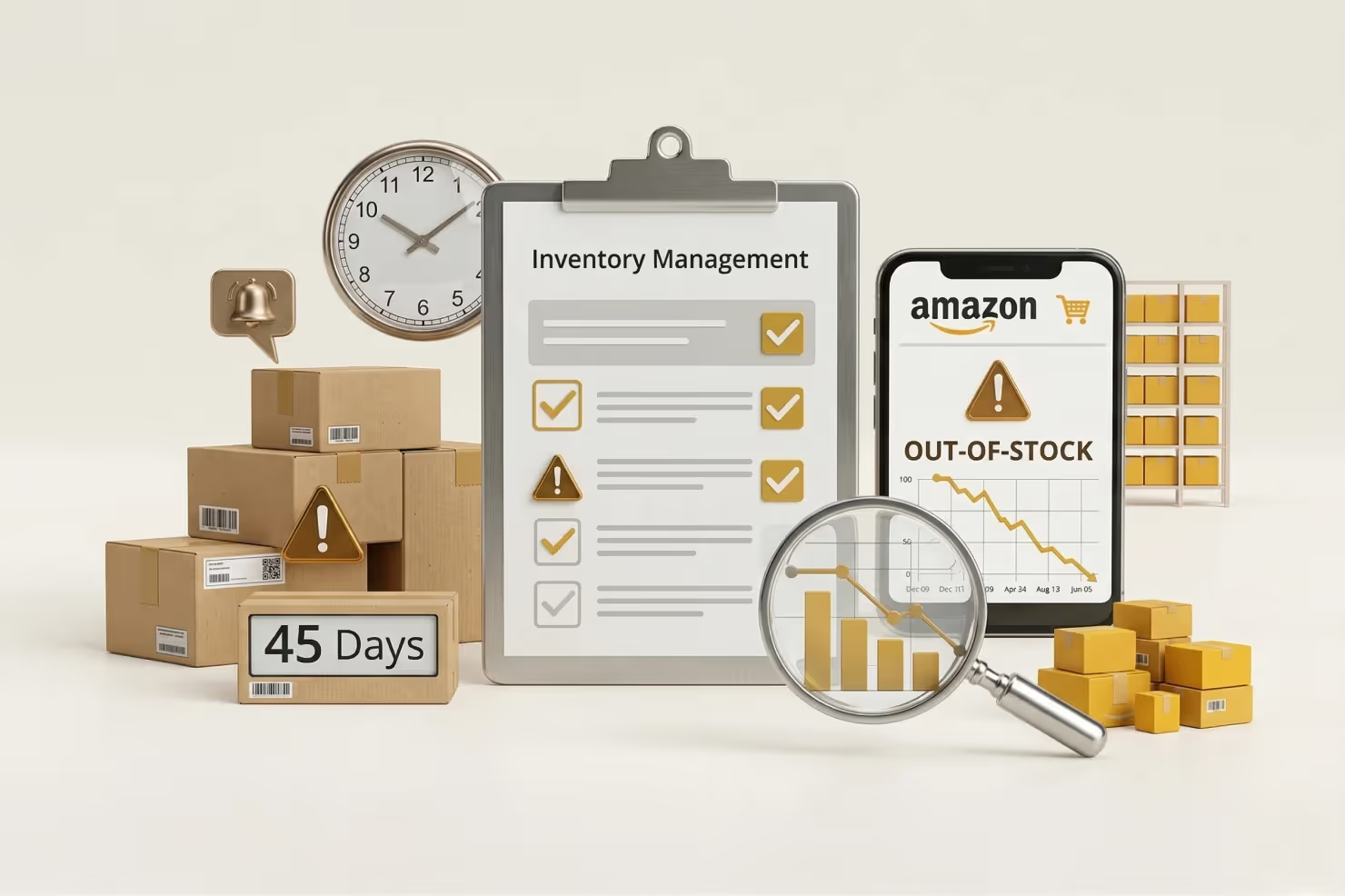
Running out of stock is the fastest way to destroy rankings. Amazon immediately removes out-of-stock listings from search results, and you can lose 30-50% of ranking positions within 7 days.
Inventory management checklist:
- Calculate sales velocity: (units sold last 30 days) ÷ 30 = daily average
- Maintain 60-90 days of inventory at FBA warehouses
- Set automatic restock alerts at 45-day supply threshold
- Plan for seasonal spikes by increasing inventory 2-3x for Prime Day and Q4
- Never drop below a 30-day supply; this is your danger zone
- Stockouts drop rankings 30-50% within 7 days and take 4-6 weeks to recover
Pro Tip: Use Amazon's IPI dashboard to forecast demand and set restock timelines. Keep the IPI score above 450 to avoid storage restrictions.
Step 12: Track Rankings and Optimize Continuously
Amazon rankings fluctuate based on real-time performance data. Consistent monitoring lets you identify problems early and capitalize on ranking opportunities.
What to track weekly:
- Use Helium 10 Keyword Tracker to monitor the top 20 target keywords daily
- Check the organic position for primary keywords weekly
- Review the Search Query Performance report monthly through Brand Analytics
- Identify keywords ranking positions 11-20 and boost with targeted PPC
- A/B test the main image every 60 days using Manage Your Experiments
- Update bullets quarterly based on customer questions and review feedback
Expected timeline:
- Days 1-14: see long-tail keyword indexing (positions 20-50)
- Days 15-30: bring movement to positions 10-30.
- Days 31-60: get you to the first page for secondary keywords.
- Days 61-90: achieve top 10 for primary keywords.
- After 90 days: expect ranking stability and expansion.
Execute all 12 steps consistently for 60-90 days before expecting significant movement. Sellers who treat this as ongoing optimization, not a one-time project, dominate their categories long-term. For complex catalogs, partnering with an Amazon account management agency ensures consistent optimization without pulling focus from business growth.
Amazon's A10 Algorithm Explained: The Ranking Science Behind Your Success
The algorithm has evolved. What worked in 2019 (A9) will get you penalized or buried today (A10). The shift in logic reflects Amazon's desire to prioritize the "Customer Journey" over raw, ad-fueled volume.
The Evolution: From A9 to A10
The transition to the A10 logic changed the game for high-volume sellers.
Here's what changed:
- A9 algorithm (pre-2020): Sales velocity trumped everything; whoever sold most won
- A10 algorithm (2020-present): Customer experience and organic sales prioritized over PPC
- The trigger: Amazon realized ad-driven sales created poor shopping experiences
Why this matters to you: What sellers call the A10 update explains why you need a multidimensional strategy combining listing optimization, sales velocity, and external traffic, not just aggressive PPC spending.
What A10 Prioritizes: The Three Major Ranking Shifts
The algorithm update introduced three core changes that reshaped how Amazon ranks products.

Shift #1: Organic Sales Carry More Weight Than PPC Sales
Amazon's algorithm now distinguishes between sales from sponsored ads versus organic search. A customer who finds your product naturally sends a stronger relevance signal than one who clicks a paid ad.
This is why Step 7 emphasizes building genuine sales velocity, not just buying traffic.
The easiest way to measure how well that balance is shifting in your favor is TACoS. If organic sales are growing, your TACoS drops even as ad spend stays flat. Use the free TACoS Calculator to see exactly what percentage of your total revenue is still dependent on paid ads.
Shift #2: Seller Authority Became a Ranking Factor
The updated algorithm evaluates your entire seller performance through your Account Health Dashboard:
- Order Defect Rate (ODR): Must stay below 1%
- Late shipment rate: Keep under 4%
- Pre-fulfillment cancellation rate: Target below 2.5%
- Return dissatisfaction rate: Monitor and minimize
Critical insight: A seller with consistently excellent metrics gets preferential treatment in search results. Your operational excellence now impacts rankings.
Shift #3: External Traffic Receives a 10-15% Ranking Boost
When you drive traffic from Pinterest, Instagram, Google, YouTube, or blogs to your Amazon listing, the algorithm interprets this as a trust signal. Products that attract interest beyond Amazon's ecosystem are rewarded with better organic positions. External sources are ranking accelerators, not just additional sales channels.
Turning A Proven Process Into Page One Ranking Stability
Organic ranking is the only way to achieve long-term profitability on Amazon. Relying 100% on PPC is a race to the bottom as CPCs continue to rise.
You need to build a "flywheel" where your listing is so well-optimized that every ad-driven sale improves your organic position, leading to more "free" sales over time.
If you want help implementing this process at scale, we can do it together at Olifant Digital. We work hands-on to turn structured execution into stable page-one visibility, without shortcuts or guesswork.