


Introduction
More than 60% of Amazon shoppers never click past page one, and oddly enough, listings with fewer words sometimes convert better than longer ones. That’s because Amazon rewards precision, not noise.
The Complete Guide to Amazon Listing Optimization breaks down how small, intentional listing decisions quietly influence rankings, buyer trust, and long-term scale, often in ways most sellers never realize.
Amazon Listing Optimization: Your Complete Step-by-Step Success Framework
Optimizing your Amazon listing isn't about making random tweaks and hoping for results; it's about following a proven, systematic approach that addresses every element Amazon's algorithm evaluates, an approach refined by experienced Amazon account management agency teams working with growth-focused clients.
Whether you're launching a new product or revitalizing an existing listing, this 10-phase methodology ensures nothing gets overlooked. Let's dive into the complete optimization process.
Phase 1: Pre-Optimization Research & Planning
Before touching your listing, invest time in research that informs every optimization decision. This foundational phase determines whether your listing will compete effectively or get lost in the marketplace.

Understanding Amazon's A9/A10 Algorithm:
- Relevance factors (keyword matching, category accuracy)
- Performance metrics (CTR, conversion rate, sales velocity)
- Customer satisfaction signals (reviews, ratings, return rates)
Comprehensive Keyword Research:
- Mine Amazon autocomplete for real customer search terms
- Analyze top competitors using reverse ASIN tools
- Use keyword research platforms (Helium 10, Jungle Scout, MerchantWords)
- Create a prioritized keyword map: primary (title), secondary (bullets), tertiary (backend)
Competitive Analysis & Market Positioning:
- Identify your top 5-10 direct competitors
- Document their listing strengths (images, pricing, reviews)
- Find differentiation opportunities they're missing
- Determine optimal category and browse node placement
Pro Tip: Create a spreadsheet tracking competitor prices, review counts, BSR rankings, and keyword usage. This becomes your competitive intelligence dashboard throughout the optimization process.
Phase 2: Core Listing Elements Optimization
Your listing's text elements are where keyword strategy meets conversion copywriting. Each component serves a specific purpose in Amazon's ranking algorithm and customer decision-making.

Product Title Structure:
- Follow the formula: Brand + Key Features + Product Type + Size/Variant
- Front-load your highest-priority keywords in the first 80 characters
- Stay within category-specific limits (80-250 characters)
- Remember that mobile displays only 50-60 characters initially
Bullet Points That Convert:
- Lead with the benefit, then support with the feature
- Distribute keywords naturally across all 5 bullets (200-250 characters each)
- Address specific customer pain points and objections
- Use sentence case and structure for easy scanning
Product Description Optimization:
- Leverage HTML formatting (line breaks, bold text) for structure
- Integrate secondary and long-tail keywords naturally
- Tell your brand story while including technical specifications
- Keep paragraphs short (2-3 sentences) for mobile readability
Backend Search Terms Configuration:
- Maximize all backend fields without exceeding character limits
- Include synonyms, misspellings, and alternate spellings
- Avoid punctuation, repetition, and front-end keyword duplication
- Consider strategic competitor brand terms (carefully)
Example: If your title includes "Stainless Steel Water Bottle," your backend might include "steel thermos flask canteen insulated container" to capture related searches without repetition.
Phase 3: Visual Content Optimization
Images are your silent salespeople; they must capture attention in search results and convince browsers to buy once they click. Quality visuals can dramatically improve both CTR and conversion rates.
Main Image Requirements:
- Use a pure white background (RGB 255, 255, 255) per Amazon standards
- Fill 85% of the frame with your product
- Minimum 1000 pixels, but aim for 2000+ for zoom functionality
- Ensure professional lighting and sharp focus
Supporting Images Strategy (6-8 images):
- Lifestyle shots showing the product in real-world use
- Infographic images highlighting key features and benefits
- Size comparisons with common objects for scale
- Detail close-ups showcasing quality and craftsmanship
- Packaging contents and what's included
- Trust-building elements (certifications, guarantees)
Video Content Integration:
- Create 30-90 second product demonstration videos
- Include 360-degree rotation views when possible
- Feature authentic customer testimonials
- Place videos in positions 2-3 for maximum visibility
Pro Tip: Test your images on mobile devices in bright sunlight. If the text isn't readable or the details aren't clear, your images need optimization. Over 70% of Amazon shoppers browse on mobile.
Phase 4: Enhanced Content (Brand Registry Sellers)
If you're enrolled in Amazon Brand Registry, A+ Content is your secret weapon for differentiation. This enhanced content typically increases conversion rates by 5-10% while reducing return rates.
A+ Content Strategic Modules:
- Use comparison charts to highlight advantages over competitors
- Create visual hierarchies that guide the eye through benefits
- Design mobile-optimized layouts (single column, larger text)
- Tell your brand story with compelling imagery
- Set expectations for improved conversions and reduced returns
Brand Story Development:
- Craft a narrative that connects emotionally with customers
- Maintain visual consistency across your entire product catalog
- Highlight what makes your brand unique and trustworthy
Remember: A+ Content doesn't directly impact search rankings, but the conversion improvements signal quality to Amazon's algorithm, indirectly boosting your organic position.
Phase 5: Pricing and Buy Box Optimization
Your price directly impacts conversion rates and Buy Box eligibility, two critical ranking factors. Strategic pricing balances competitiveness with profitability.
Buy Box Eligibility Factors:
- Price competitiveness within your category (not necessarily lowest)
- Fulfillment method (FBA strongly preferred)
- Seller performance metrics (order defect rate, late shipments)
- Consistent inventory availability
Strategic Pricing Approaches:
- Research competitors using price tracking tools (Keepa, CamelCamelCamel)
- Implement psychological pricing ($19.97 vs $20.00)
- Consider dynamic repricing software for competitive categories
- Test price elasticity to find your optimal profit-conversion balance
Example: A product priced at $24.97 with FBA fulfillment often wins the Buy Box over a $24.50 FBM competitor because of superior fulfillment metrics and customer trust in Prime delivery.
Phase 6: Review Generation and Management

Reviews serve as both social proof for customers and ranking signals for Amazon's algorithm. A 4.5+ star rating with consistent review velocity is your target.
Compliant Review Request Strategies:
- Use Amazon's "Request a Review" button (5-30 days post-purchase)
- Set up automated follow-up sequences through Seller Central
- Enroll new products in Amazon Vine for early reviews
- Include compliant product inserts encouraging feedback
Managing Your Reputation:
- Respond professionally to negative reviews within 24-48 hours
- Request removal of reviews violating Amazon's policies
- Monitor review sentiment for product improvement opportunities
- Track review velocity against competitors
Pro Tip: Reviews mentioning specific keywords can actually help your listing rank for those terms. Encourage detailed reviews by providing excellent products and customer service.
Phase 7: Fulfillment Strategy Optimization
Your fulfillment method significantly impacts rankings, conversions, and profitability. Most successful sellers choose FBA, but understanding your options ensures the right decision.
FBA vs FBM Decision Framework:
- FBA advantages: Prime badge, Buy Box preference, higher conversions
- Consider FBM for oversized items with prohibitive storage fees
- Explore Seller Fulfilled Prime if you have reliable logistics
- Monitor Inventory Performance Index (IPI) to avoid storage penalties
Key Fulfillment Considerations:
- Prime badge can increase conversion rates by 25-50%
- Stockouts devastate rankings; maintain 30+ days of inventory
- Balance storage fees against lost sales from out-of-stock
Phase 8: Launch and PPC Integration
PPC advertising jumpstarts sales velocity, which signals Amazon that your product deserves higher organic rankings. This phase is critical for new listings.
Strategic PPC Launch:
- Begin with aggressive PPC spending to generate initial sales
- Use automatic campaigns for keyword discovery
- Validate listing keywords through ad performance data
- Transition from 70% PPC to 30% as organic rankings improve
Defensive Campaign Strategy:
- Bid on your own brand terms to prevent competitor hijacking
- Monitor competitor ads on your listings
- Adjust bids based on organic ranking improvements
Phase 9: Performance Monitoring and Analytics
Optimization without measurement is guesswork. Track specific metrics to understand what's working and what needs adjustment.
Critical Metrics to Monitor:
- Organic keyword rankings for target search terms
- Click-through rate (CTR) from search results
- Conversion rate (unit session percentage target: 10%+)
- Sales velocity trends week-over-week
- Buy Box percentage (target: 90%+)
- Review acquisition rate (1-2% of orders ideal)
Tracking Infrastructure:
- Set up dashboards in Seller Central and third-party tools
- Create automated alerts for ranking drops or stockouts
- Review metrics weekly, conduct deep dives monthly
Phase 10: Continuous Optimization and Testing
Amazon's marketplace is dynamic; competitors improve, algorithms evolve, and customer preferences shift. Continuous optimization keeps you ahead.
A/B Testing Framework:
- Use "Manage Your Experiments" for the main image variations
- Test title keyword order and structure
- Compare A+ Content module arrangements
- Run tests for a minimum of 4 weeks with adequate traffic
Optimization Schedule:
- Weekly: Monitor rankings, reviews, and inventory
- Monthly: Analyze metrics, update backend keywords, adjust pricing
- Quarterly: Comprehensive audit of all listing elements
- Seasonally: Refresh images and messaging for relevance
The Optimization Cycle:
Review performance → Analyze data → Implement changes → Test results → Refine strategy → Repeat
Pro Tip: Avoid over-optimization. Making too many changes simultaneously makes it impossible to identify what's actually moving the needle. Test one major element at a time.
Timeline Expectations: When Will You See Results?
Immediate Impact (24-48 hours):
Backend keyword updates, price adjustments, and inventory restocks
Short-Term Results (2-4 weeks):
Title and bullet point improvements, image upgrades, and initial ranking movement
Medium-Term Growth (1-3 months):
Review accumulation, sustained ranking improvements, and increased organic traffic
Long-Term Authority (3-6+ months):
Category dominance, compound ranking effects, reduced PPC dependency
Amazon listing optimization is a marathon, not a sprint. Sellers who commit to this systematic process consistently outperform those chasing quick fixes. Stay patient, stay consistent, and stay ahead of your competition by making this framework your operational standard.
Best Amazon Listing Optimization Tools: What to Use, When, and Why
Choosing the right tools can dramatically shorten your optimization timeline and prevent costly trial-and-error. Most Amazon sellers don’t struggle because they lack effort; they struggle because they invest in the wrong tools too early or rely on tools that don’t match their current stage.
The goal here is simple: help you decide which tools are actually worth using for Amazon listing optimization and which ones you can safely skip. The comparison below focuses on real-world usability, accuracy, and ROI, not marketing hype.
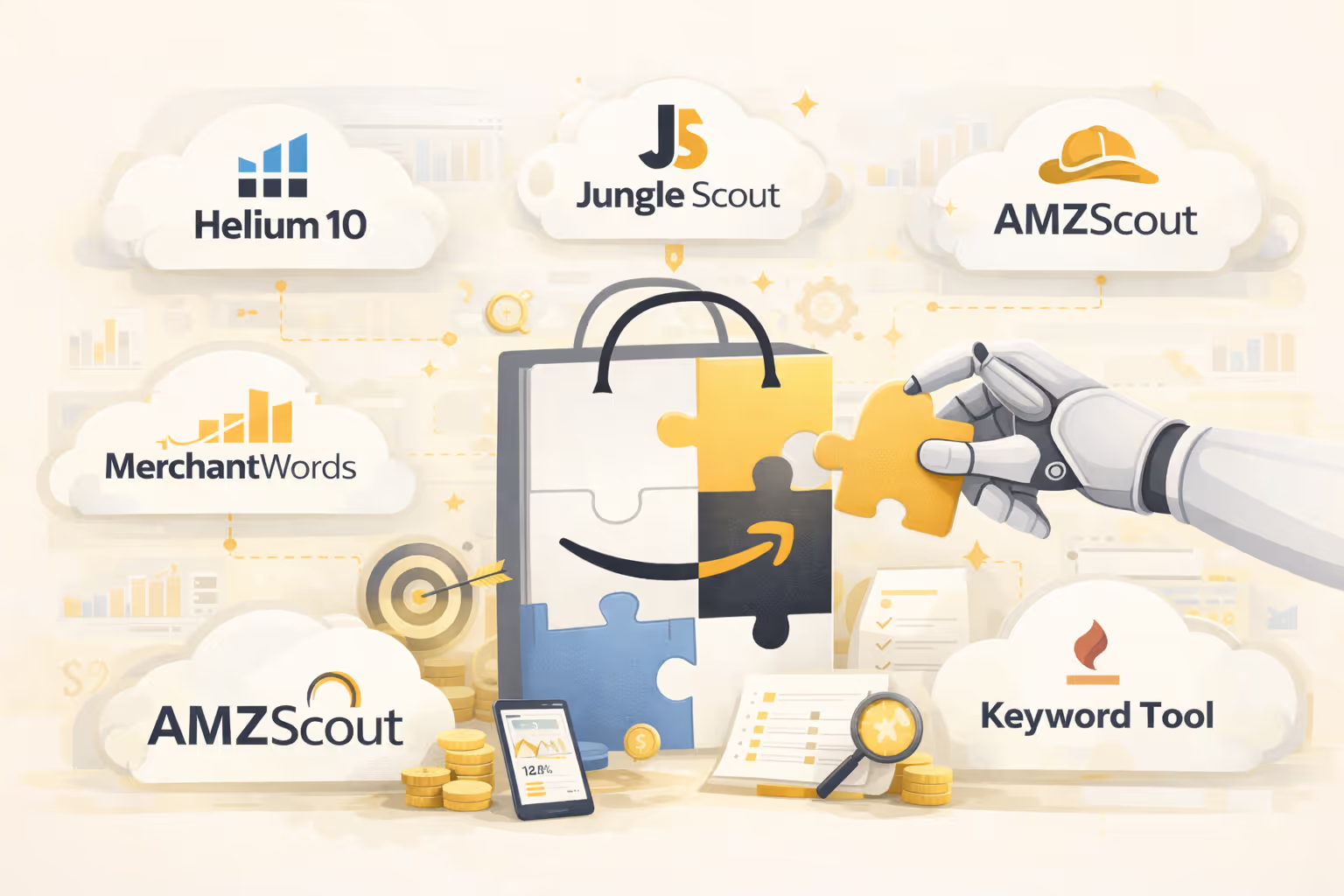
Amazon Listing Optimization Tools Comparison
How to Choose the Right Tools Without Overspending
If your priority is keyword research and listing optimization, a tool like Helium 10 offers the most complete toolkit, but only if you actively use its features. For sellers earlier in the journey, Jungle Scout often delivers better value due to its simpler interface and faster learning curve.
For images, paid software is rarely necessary. Clean, well-structured visuals created with Canva can perform exceptionally well when paired with strong copy and Amazon-compliant image guidelines.
Free and Budget-Friendly Options That Still Work
- Amazon autocomplete for buyer-intent keywords
- Amazon Brand Analytics for search term data (Brand Registry sellers)
- Manual competitor listing analysis
- Canva’s free plan for basic infographics
Pro tip: Tools should support your strategy, not replace it. Strong fundamentals with fewer tools consistently outperform poor optimization backed by expensive software.
Start with one core tool, master it, and expand only when your catalog size, ad spend, or competition demands it. The best Amazon listing optimization stack is the one that aligns with your current growth stage, not the most expensive setup available.
Turning Listing Optimization Into A Repeatable Business System
Amazon listing optimization delivers lasting results when it’s treated as a structured operating system, not a one-time improvement. Rankings, conversions, reviews, pricing, and fulfillment all reinforce one another, and consistent optimization allows those signals to compound. The brands that scale fastest rely on precision, testing, and disciplined execution, not shortcuts.
At Olifant Digital, we help Amazon sellers and ecommerce brands turn listings into revenue- and profit-driving assets through systems built for scale. Let’s optimize with intention and build listings that perform consistently, even as the market changes.